I still remember helping my neighbor Dave set up his first security camera. He bought a single Wi-Fi model, stuck it above the garage, and for three weeks it worked fine. Then his router rebooted during a storm, and the camera never came back online. He didn't notice until a package went missing. That story sums up the wired-versus-Wi-Fi debate better than any spec sheet.
What a Fusion NVR actually does
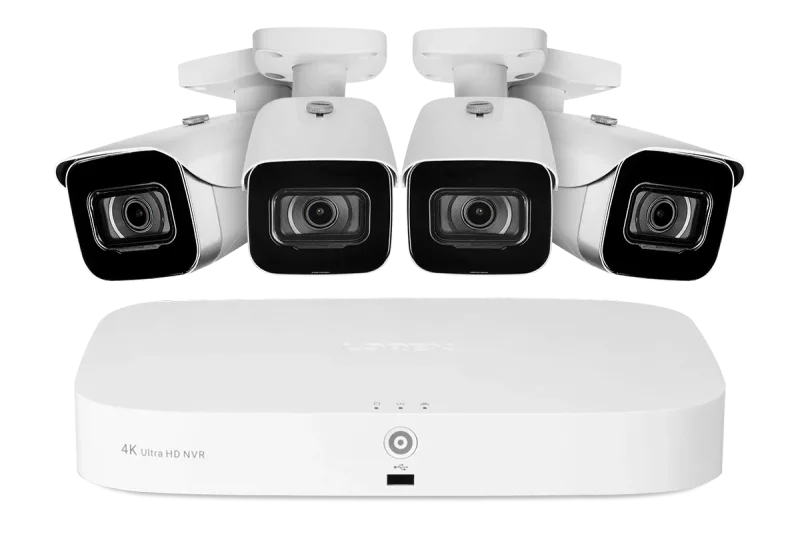
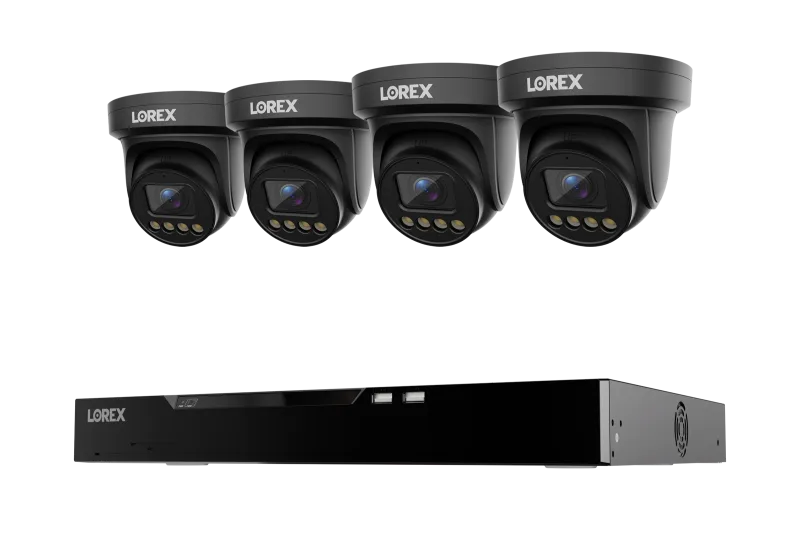
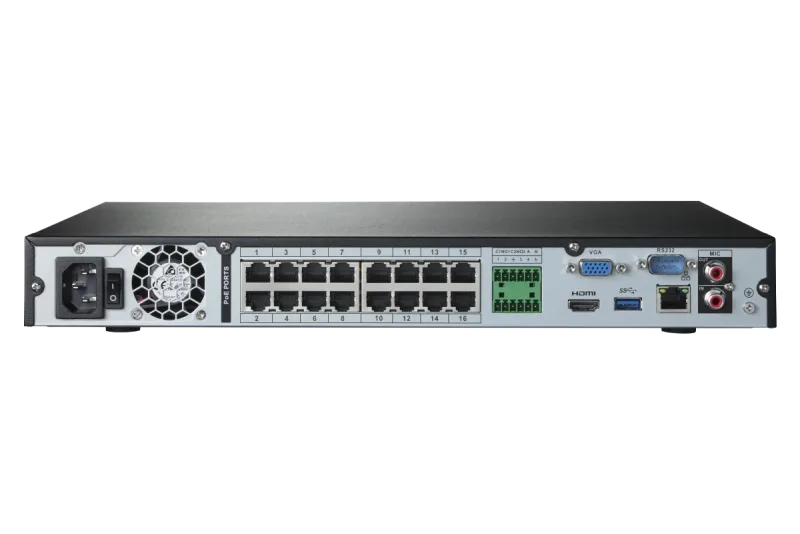
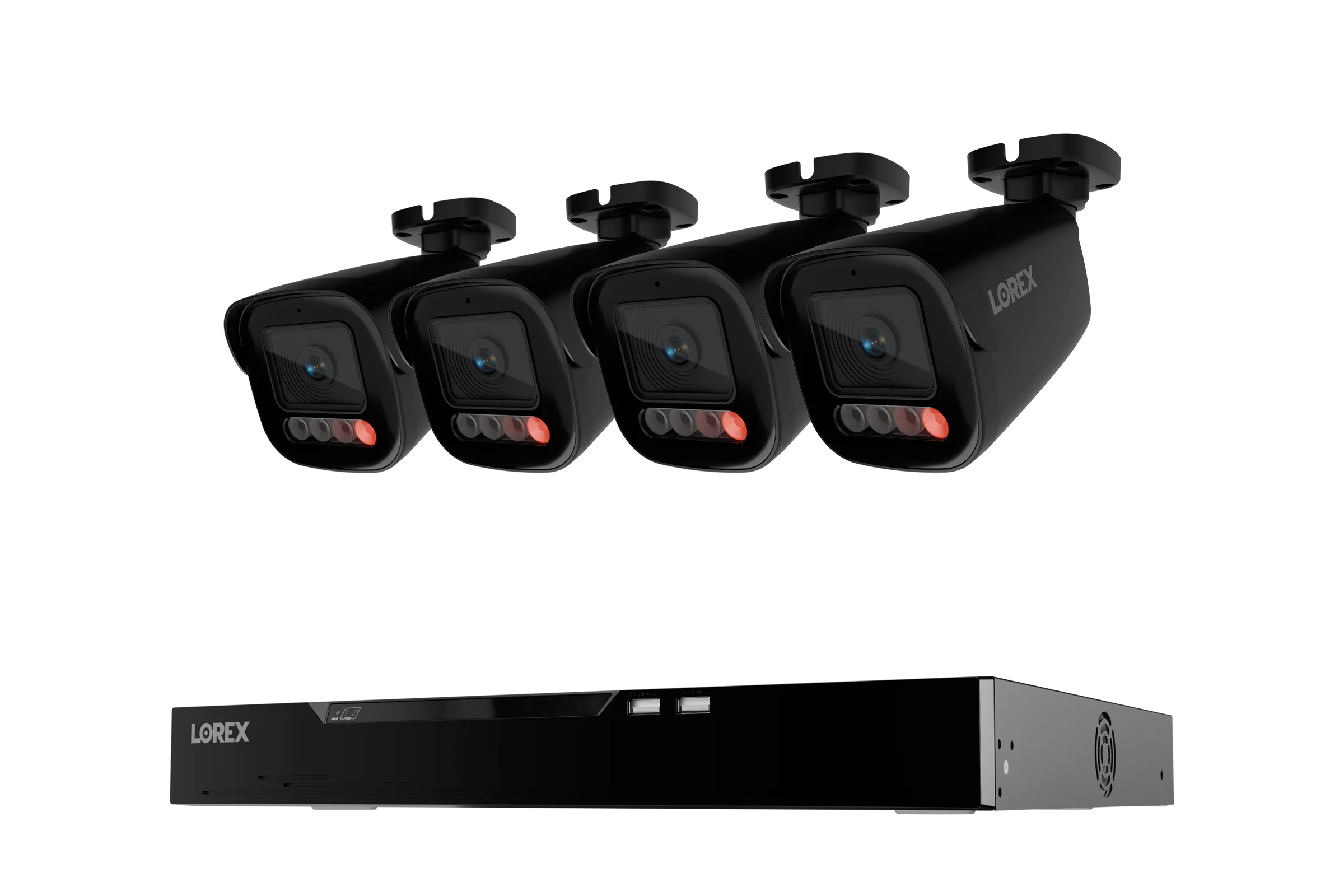
A Fusion NVR lets you run wired cameras and Fusion Wi-Fi cameras on the same recorder. On a 16-camera system, you might have eight wired runs and eight wireless connections feeding one hard drive. That matters because you're not choosing a side—you're mixing them. The wired cameras handle the critical zones (front door, driveway, back gate), and the Wi-Fi cameras cover spots where running cable is a pain, like a detached shed or a rental unit you can't drill into. The Lorex Fusion 4K 16-Camera Capable (8 Wired + 8 Wi-Fi) 2TB NVR System with 4 IP Bullet Cameras is a good example of this hybrid approach. One recorder, one app, two connection types.
When a standalone Wi-Fi camera is enough
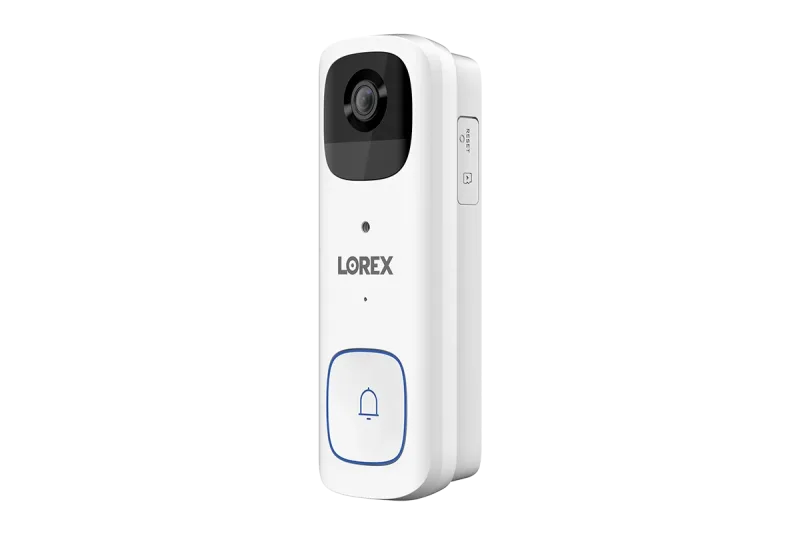
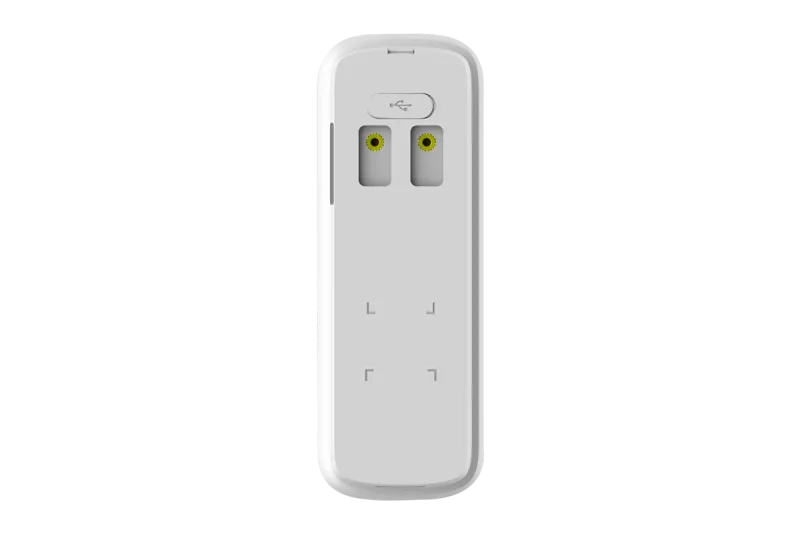
Not every situation needs a full NVR. A single Wi-Fi camera can be perfect for watching a front porch or a side gate. Battery-operated models like the Lorex 2K Wi-Fi Video Doorbell (Battery-Operated, 32GB, Open Box) avoid wiring entirely—you charge the battery, mount it, and you're done in twenty minutes. The catch is recording. Most standalone cameras record to a microSD card (32GB is common) or a cloud plan. That's fine for clips, but if you want continuous 24/7 recording across multiple cameras, you'll fill a 32GB card in a day or two. Wi-Fi cameras also compete for bandwidth. Add four or five 4K streams to a busy home network and you'll see dropped frames.
Storage: 2TB vs 4TB and why the drive matters
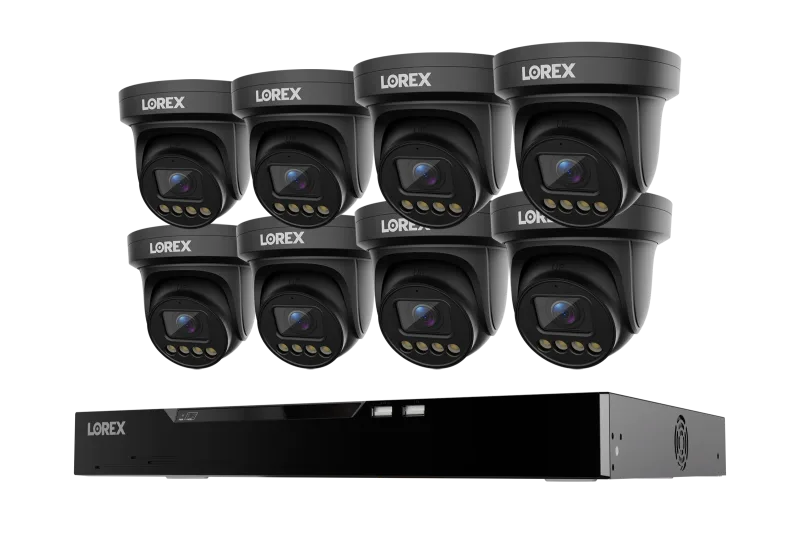
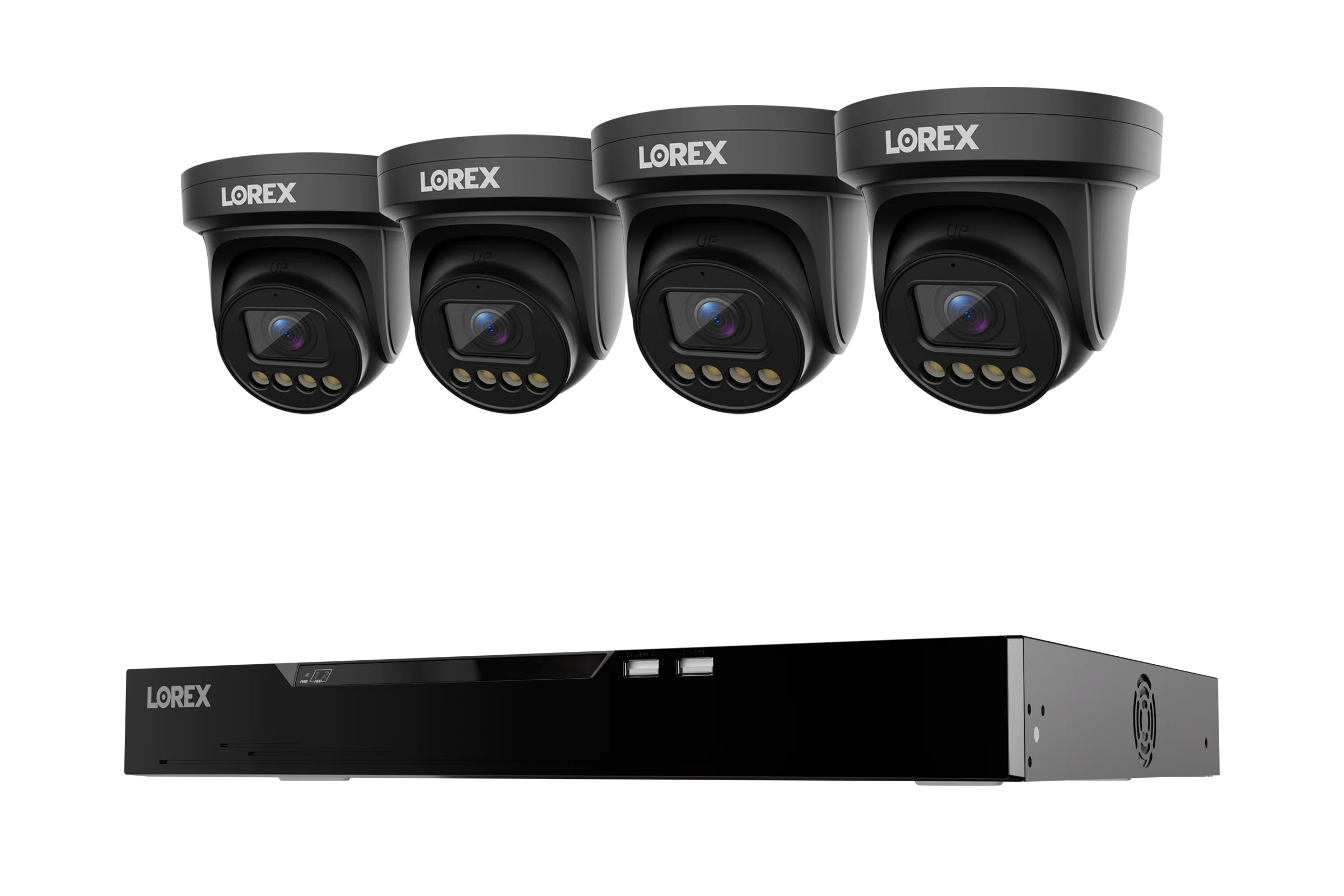
Here's something sales pages gloss over: the hard drive inside an NVR is not a desktop drive. Surveillance-grade drives like Seagate SkyHawk are built to write constantly, 24 hours a day, without the head parking issues that kill regular drives. A 2TB drive in a 4K system might hold a week or two of footage depending on how many cameras and motion events. A 4TB drive doubles that. If you're running eight 4K cameras, go bigger. The Lorex Connect X Series 4K 16-Channel Wired NVR System with X3 Turret Security Cameras - 4TB ships with 4TB, which is a sensible starting point for a busy household. For a smaller setup, 2TB is workable if you're mostly recording motion events rather than continuous.
Mounting and wiring realities
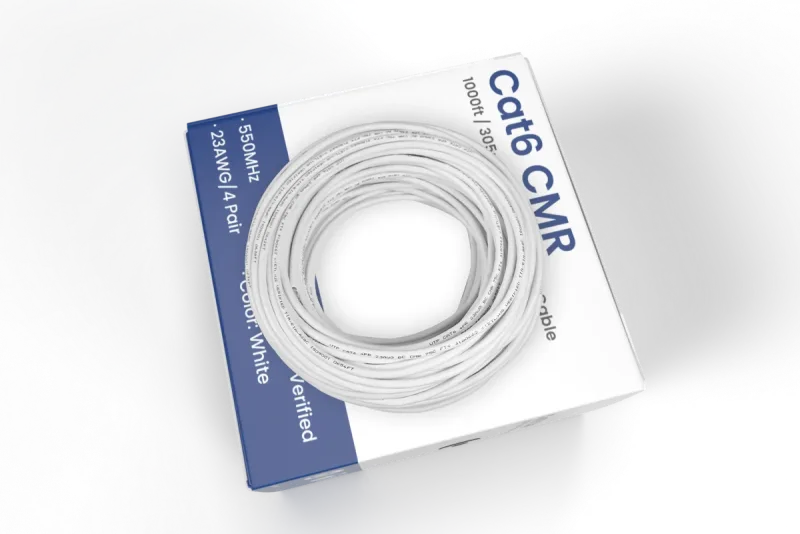
Nobody talks about this part enough. You can have the best camera in the world, but if the mount is wrong, you'll be looking at a wall or a tree branch. Corner mount brackets are essential for PTZ cameras and fixed cameras that need to see along two sides of a building. Junction boxes give you a clean place to terminate cables and protect connections from rain. And if you're running wired cameras, you'll need BNC video/power cable or Ethernet, depending on the system. For IP cameras, a run of 1,000ft Bulk Cat6 UTP Ethernet Cable, 23AWG CMR/FT4 for IP connectivity covers most residential jobs with room to spare. Plan your cable paths before you buy anything. I've seen people buy six cameras and then realize the garage has no attic access.
Matching camera types to spots
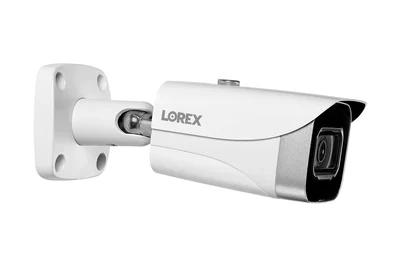
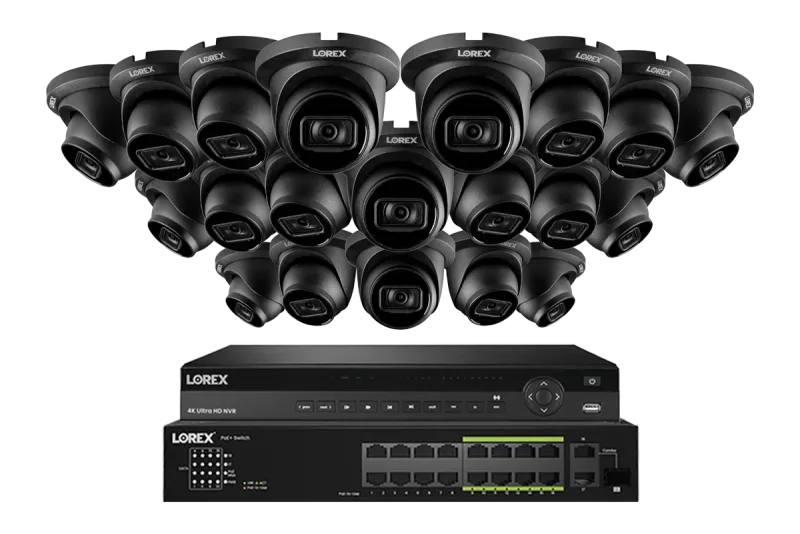
Different views need different lenses. A 4K turret camera is versatile—good for porches, side yards, and general coverage. A bullet camera with a motorized varifocal lens lets you zoom in on a license plate or a face from across the street. And a dual-lens 190° panoramic camera covers a driveway or a corner in one shot, which cuts down on the number of cameras you need. The Lorex 4K (32 Camera Capable) 6TB Wired NVR System with Nocturnal 3 Smart IP Turret Cameras Featuring Listen-In Audio and 30FPS Recording is built for larger properties where you want detail at a distance. For a typical three-bedroom house, a mix of two turrets, one bullet with varifocal, and a doorbell camera usually covers everything.
Before you commit, walk your property at night with a flashlight. Note where shadows fall, where your router sits, and where you can realistically drill. That ten-minute exercise will tell you more than any comparison chart.