You've picked the spot above the garage door. Now the real question: do you run cable or lean on Wi-Fi? There's no single right answer, but there are a few details that make the decision a lot easier.
Wired reliability: when cable wins
If you've ever watched a live feed freeze right as someone walks up your driveway, you already know why installers still pull cable. A wired camera sends video over Ethernet straight to a recorder, so nothing competes for bandwidth with your kids streaming cartoons. Power over Ethernet (PoE) carries both data and power on one Cat6 line, which means no outlet near the camera and no separate power adapter to fail.
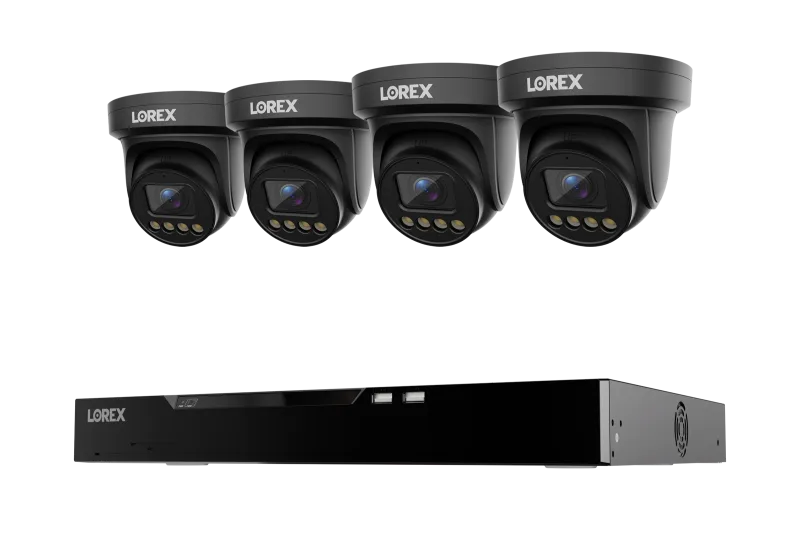
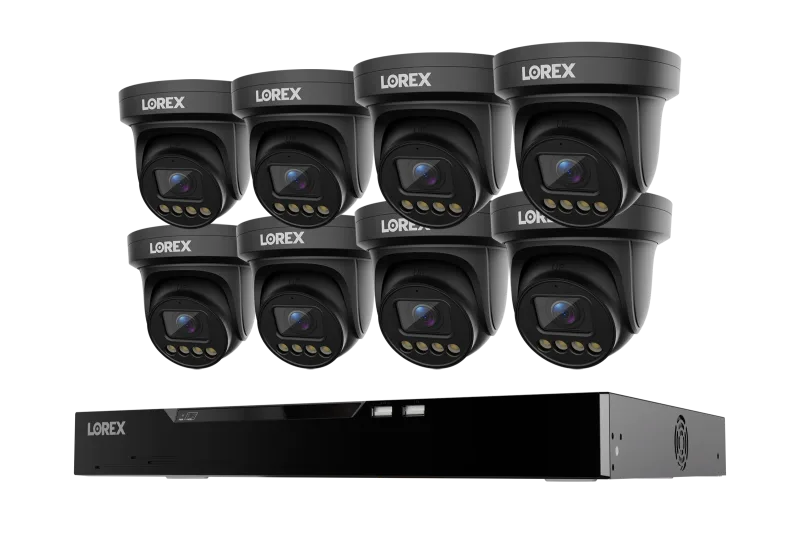
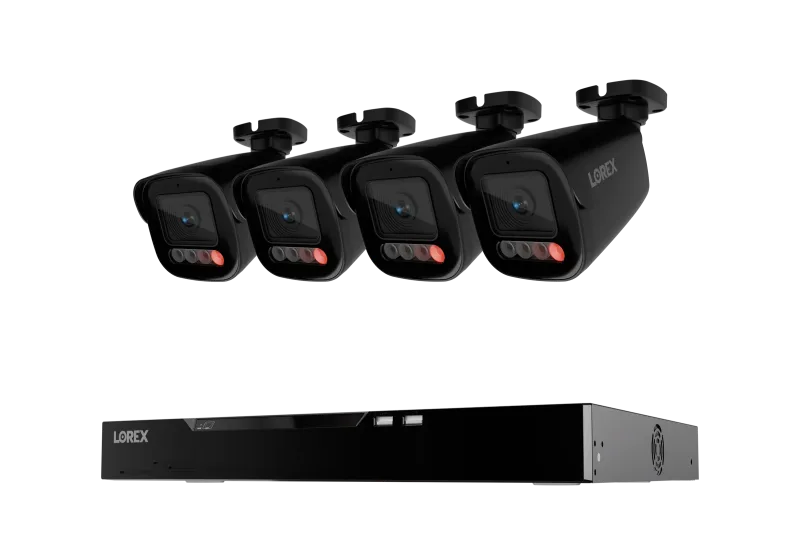
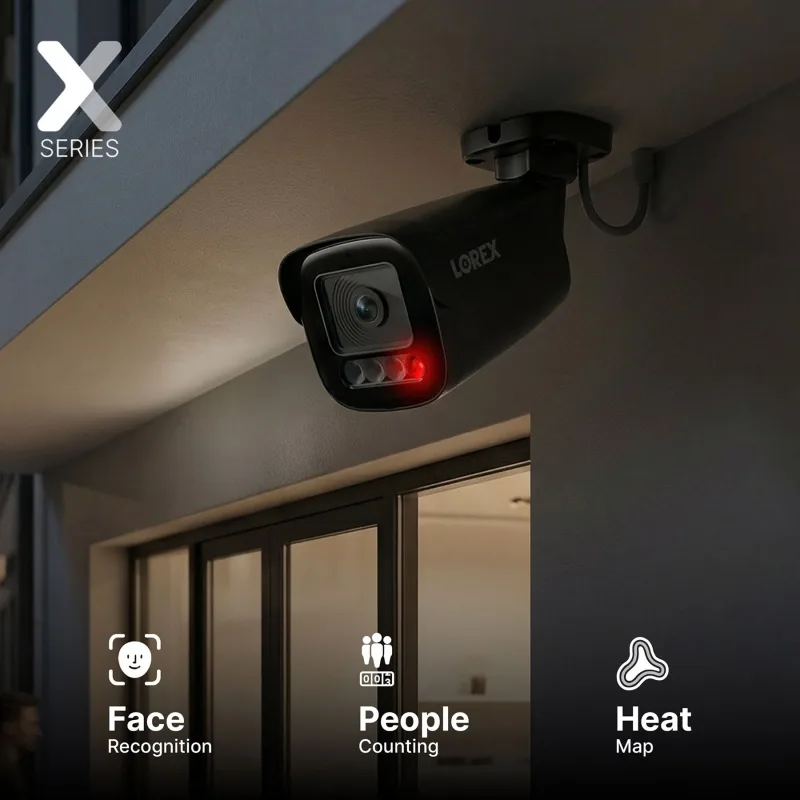
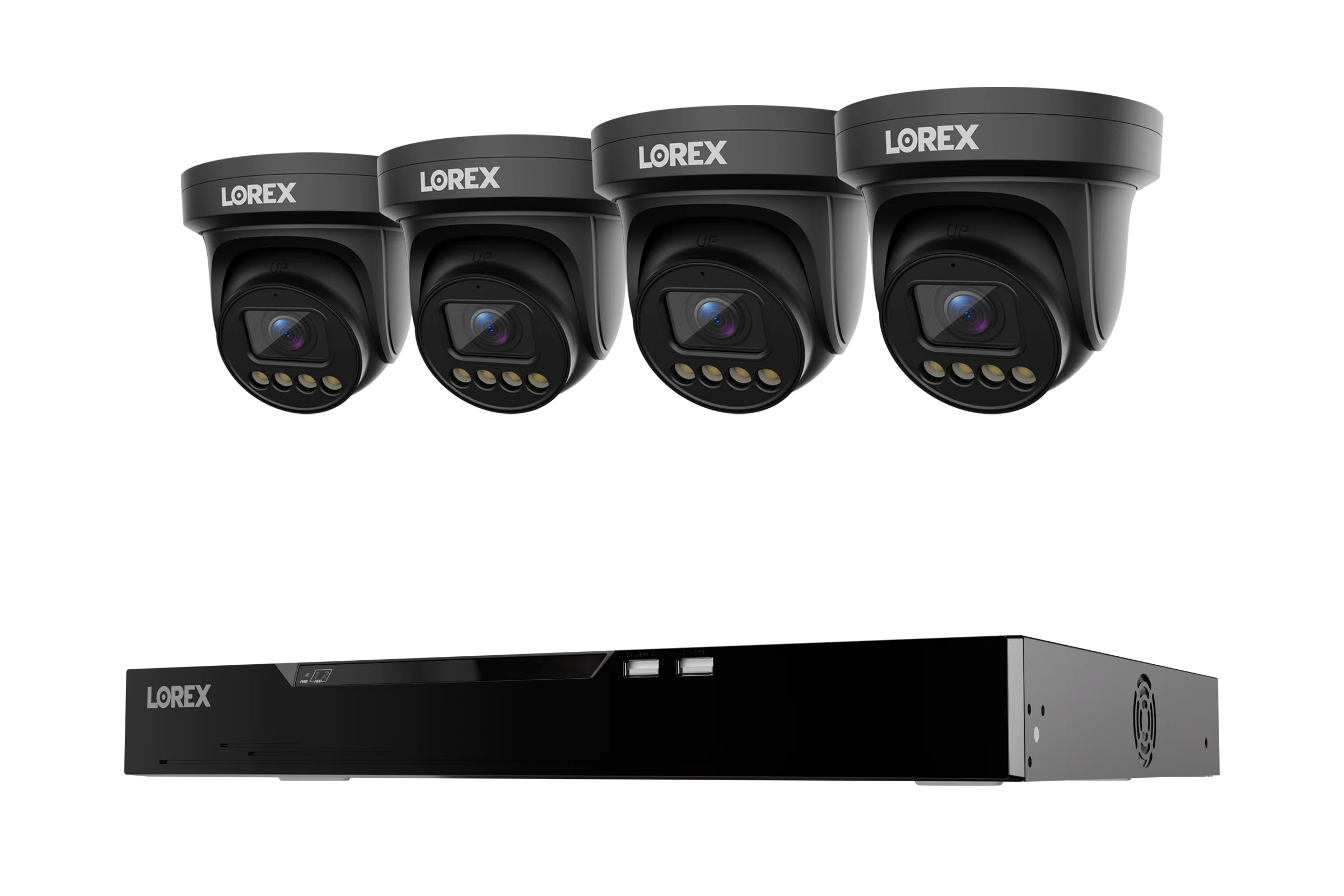
Systems like the Lorex Connect X Series 4K 16-Channel Wired NVR System with X3 Turret Security Cameras - 4TB are built around that idea. Each X3 turret gets a single cable run, and the NVR handles recording, storage, and remote viewing in one box. For a two-story house with thick brick or stucco, that reliability gap shows up fast: Wi-Fi signals lose strength through masonry in a way Ethernet simply doesn't.
Wi-Fi convenience: great for some spots, not all
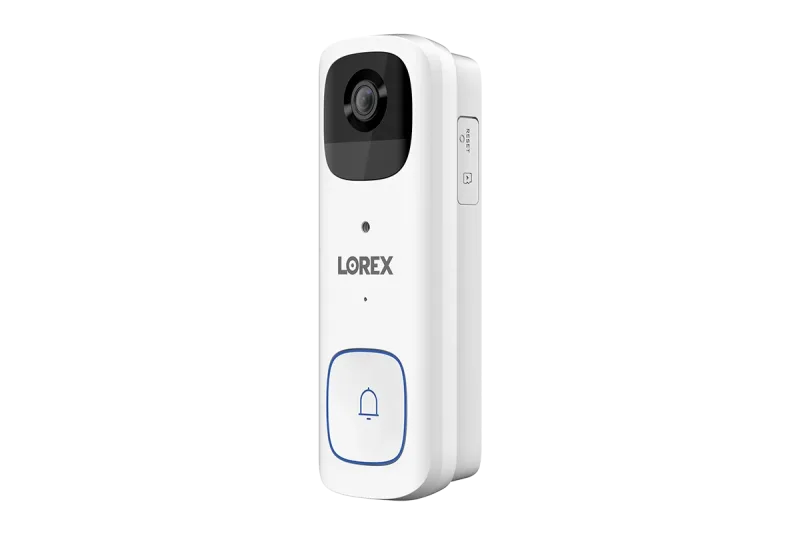
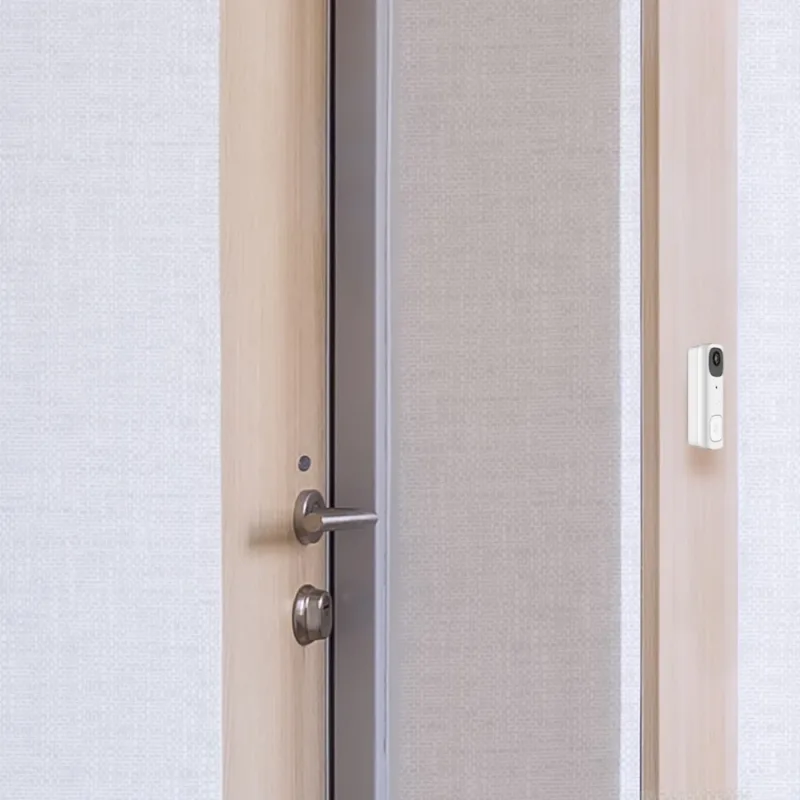
Not every corner of your property needs an Ethernet drop. A battery-operated doorbell like the Lorex 2K Wi-Fi Video Doorbell (Battery-Operated, 32GB, Open Box) installs in minutes with no wiring at all, and it's genuinely handy for renters or anyone who doesn't want to drill through a door frame. The trade-off is real though: battery cameras record clips, not 24/7 streams, and they wake on motion. That's fine for a front door. It's not what you want covering a back gate where a package could sit for an hour before anyone notices.
Distance matters too. A Wi-Fi camera at the far end of a detached garage, three walls away from the router, will drop frames. Move the router, add a mesh node, or just run cable — those are your options.
Mounts and brackets: the part everyone forgets
Before you order cameras, figure out what they'll attach to. A vinyl soffit won't hold a PTZ camera. Neither will drywall alone. That's why a solid metal bracket — something rated for around 8kg — is worth the extra few dollars, especially for heavier varifocal or PTZ units that pan and tilt all day.
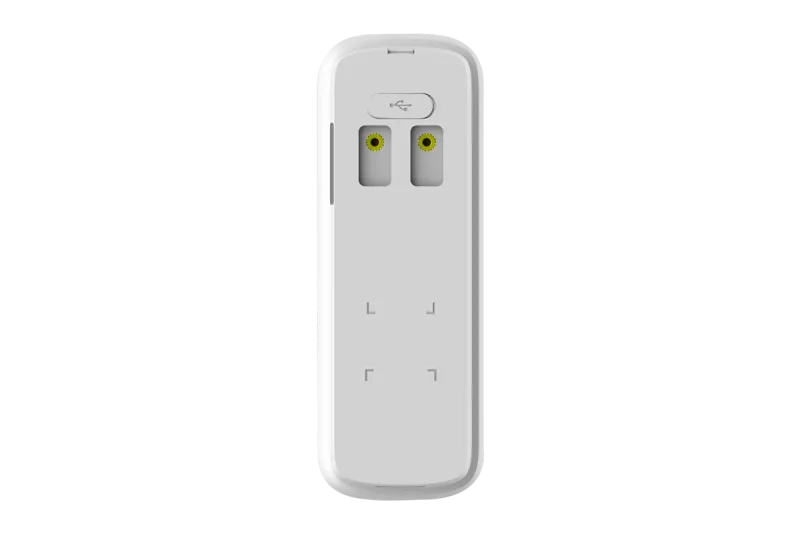
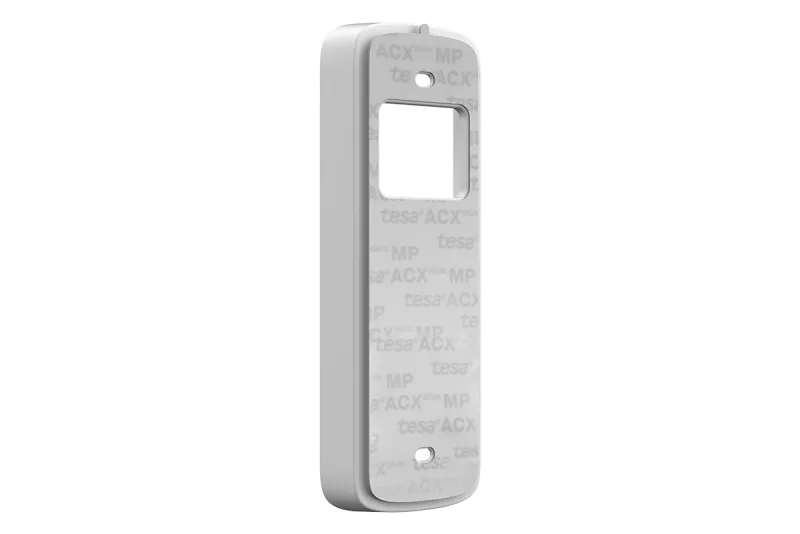
For doorbells, a no-drill bracket saves you from putting holes in brick or siding. The No Drill Mount Bracket for Lorex 2K Battery Doorbell (B463 Series) clips on and holds the camera at the right angle without a single anchor. Small thing, but it's the difference between a clean install and a crooked one.
Storage: match the drive to the job
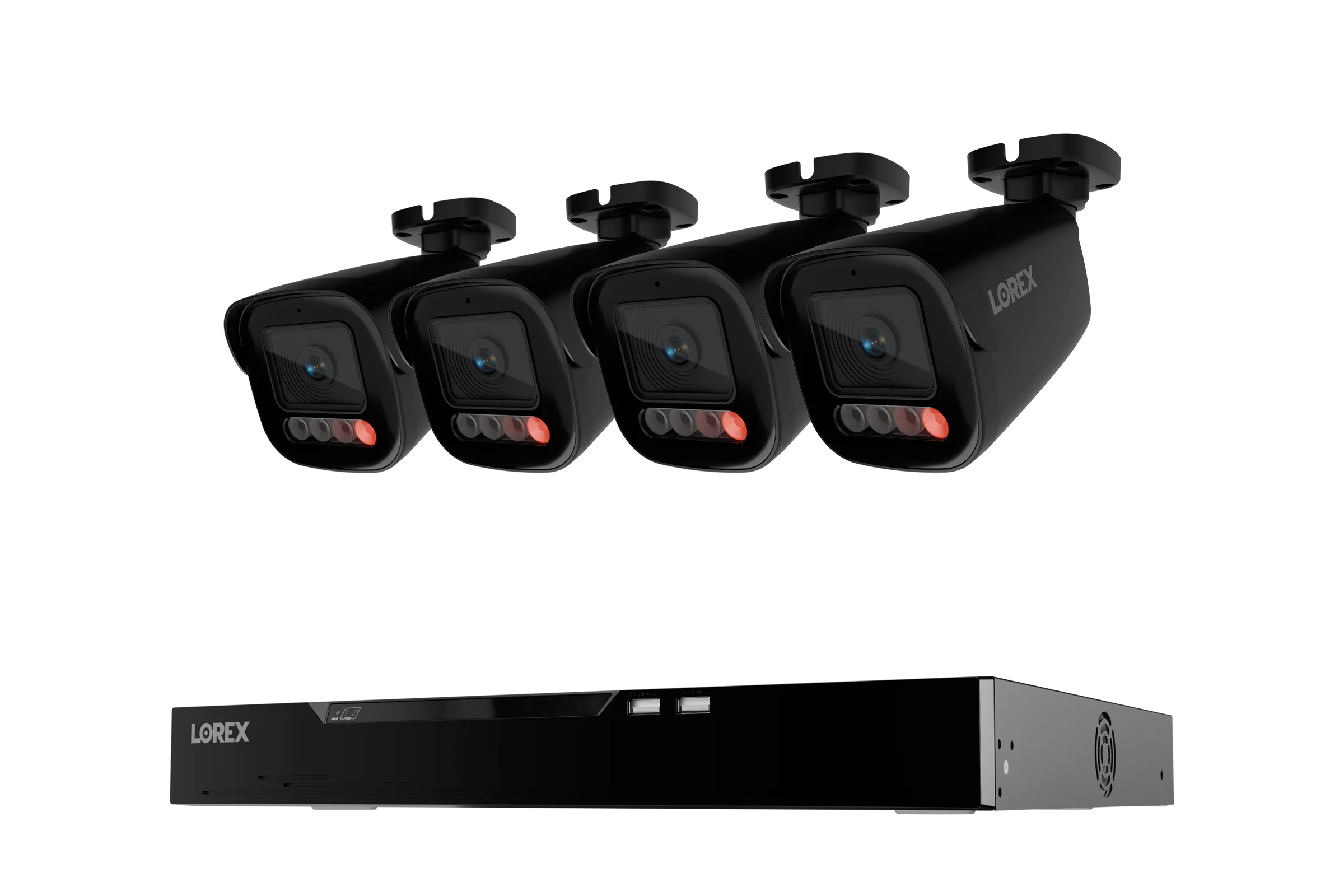
Four 4K cameras recording continuously will chew through a 1TB drive in a couple of weeks. Step up to 8TB and you're looking at months, not weeks. A 16-channel NVR like the Lorex Connect X Series 4K 16-Channel Wired NVR System with X5 Bullet Security Cameras - 4TB ships with a surveillance-grade drive already inside, which matters — desktop drives aren't built for the constant write cycles a recorder demands.
Single-camera setups are different. A 32GB microSD card in a Wi-Fi camera is plenty for motion-triggered clips. Don't try to run eight cameras off one card though. It won't end well.
Mixing both: the Fusion approach
Here's where it gets interesting. You don't have to choose. Fusion NVRs accept both wired IP cameras and Fusion Wi-Fi cameras on the same recorder, so you can run cable to the four corners that need 24/7 coverage and drop a Wi-Fi camera in the shed out back where trenching isn't practical. One app, one timeline, one place to review footage.
If you're starting small and plan to grow, a hybrid setup like this usually beats buying two separate systems. Run the cable where it's easy now, go wireless where it isn't, and let the NVR sort out the rest.