Why Choosing the Right System Matters
Security cameras only protect your home when they fit the way you actually live. Two people on the same street can need completely different setups: one wants eight cameras recording around the clock without touching the internet, while the other rents an apartment and needs a doorbell camera that installs in minutes. Before you compare models, it helps to understand the two main approaches — wired NVR systems and Wi-Fi cameras — because that single decision shapes everything that follows, from image quality to where you can mount a camera.
Lorex NVR Systems Explained
A network video recorder (NVR) is the backbone of a wired system. Cameras connect to the recorder over a single Ethernet cable that carries both power and video, so you are not hunting for outlets near every camera. The recorder stores footage locally on a built-in hard drive, which means no monthly cloud fee and no dependence on your Wi-Fi signal for recording.
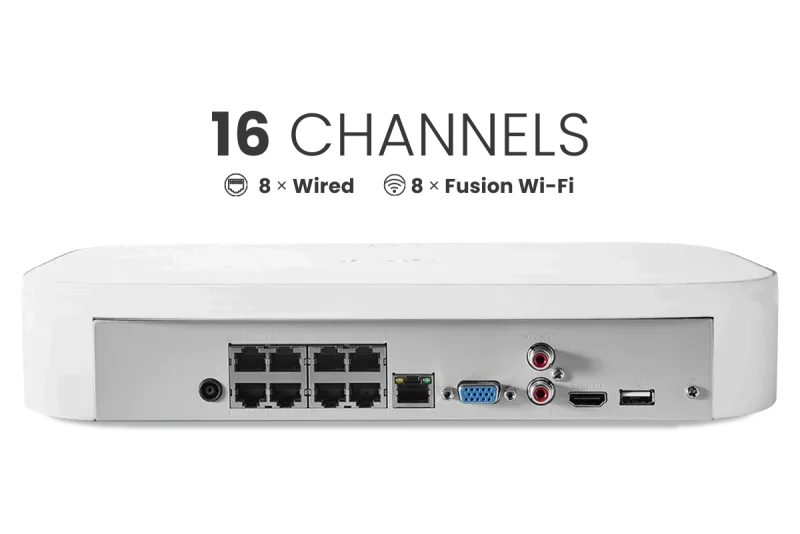
Resolution matters here. A 4K camera captures roughly four times the detail of 1080p, which is the difference between reading a license plate and guessing at it. Storage size determines how far back you can scroll: 2TB is a reasonable starting point for a handful of cameras, while 4TB, 6TB, and 8TB drives suit larger properties or longer retention windows. A 4K 16-channel system gives you room to expand, and 32-channel models are built for larger homes, small businesses, and multi-building properties.
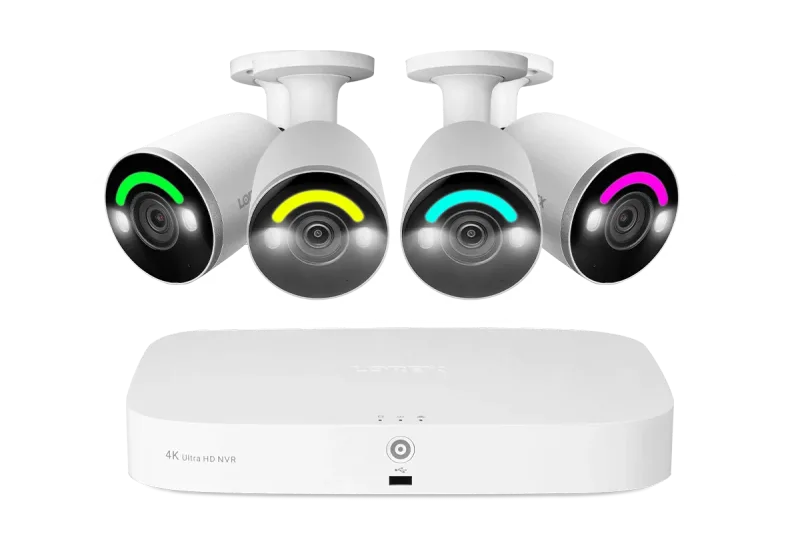
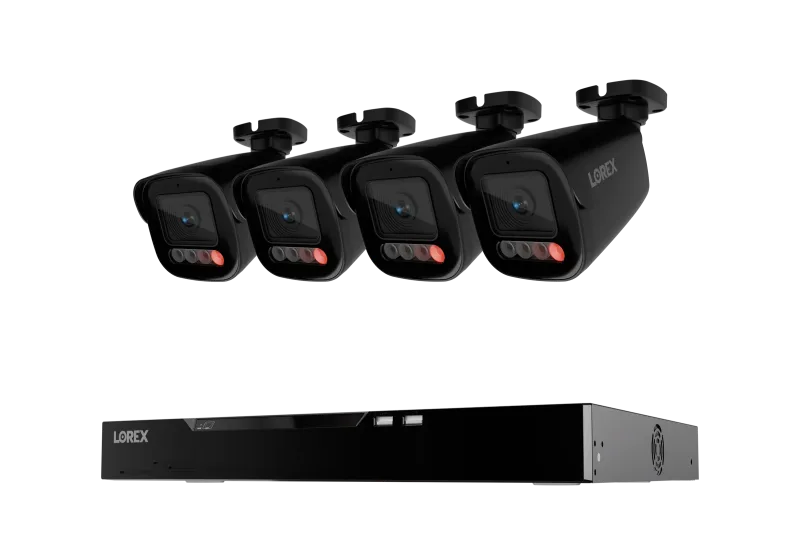
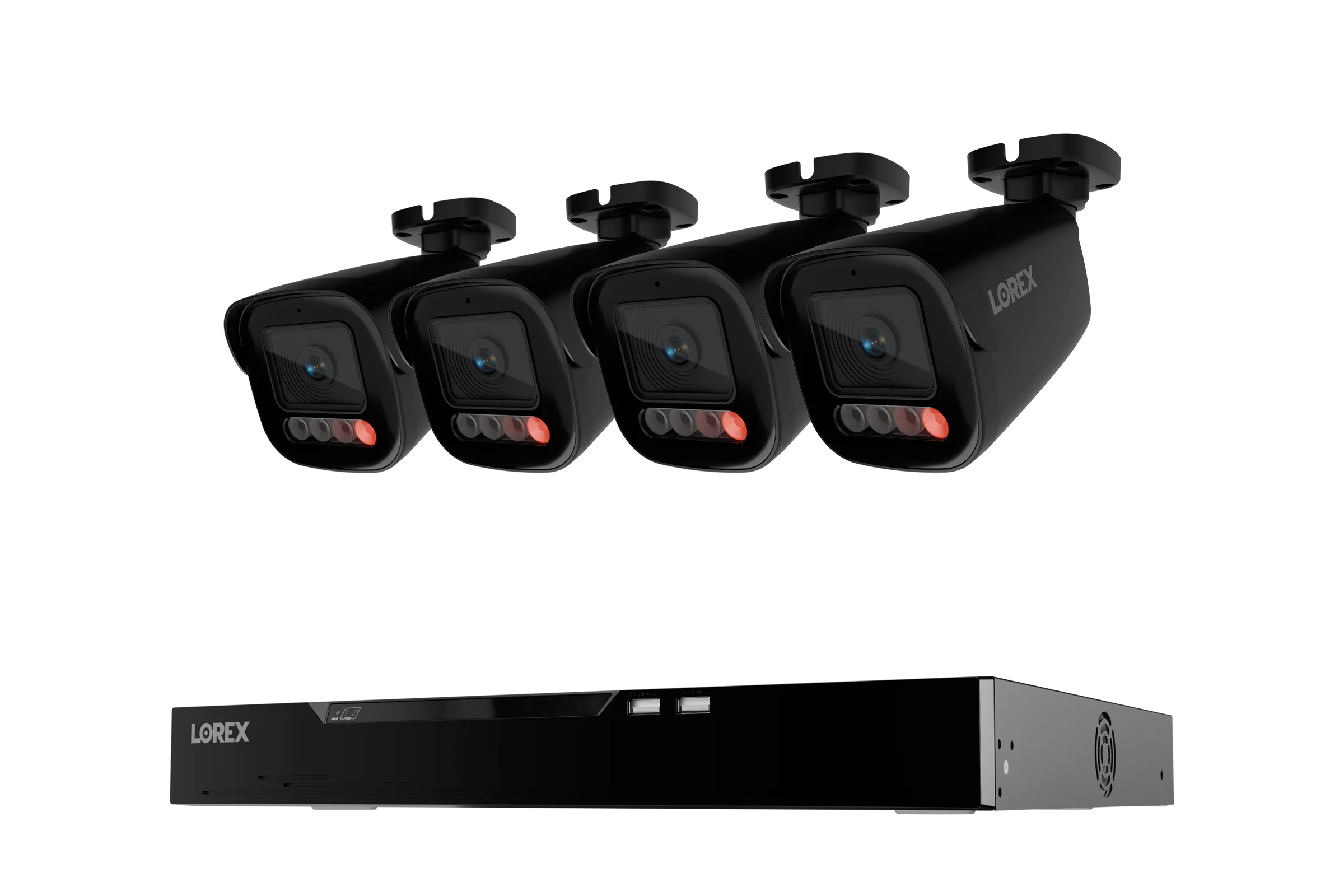
Many current recorders also support hybrid setups. A Fusion NVR, for example, accepts wired channels plus Fusion Wi-Fi cameras on the same recorder, so you can run cable where it is easy and go wireless where it is not. That flexibility is why systems like the Lorex Fusion 4K 16 Camera Capable (8 Wired + 8 Fusion Wi-Fi) 2TB Wired NVR System with IP Bullet Cameras Featuring Smart Security Lighting appeal to homeowners who want one dashboard for everything. If you prefer a simpler all-wired build, the Lorex Connect X Series 4K 16-Channel Wired NVR System with X5 Bullet Security Cameras - 4TB pairs a large drive with bullet cameras that handle driveways and long sightlines well.
Channel Count and Camera Style
- 8-channel: ideal for apartments, condos, and small homes with a few key angles.
- 16-channel: the sweet spot for most houses — front, back, sides, garage, and room to grow.
- 32-channel: larger properties and businesses that need broad coverage plus future expansion.
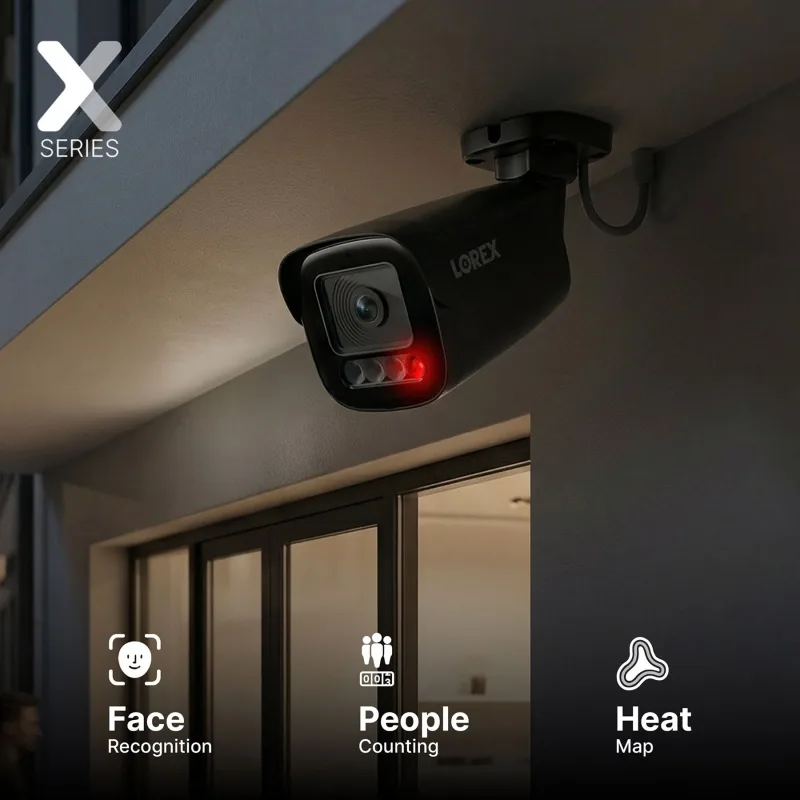
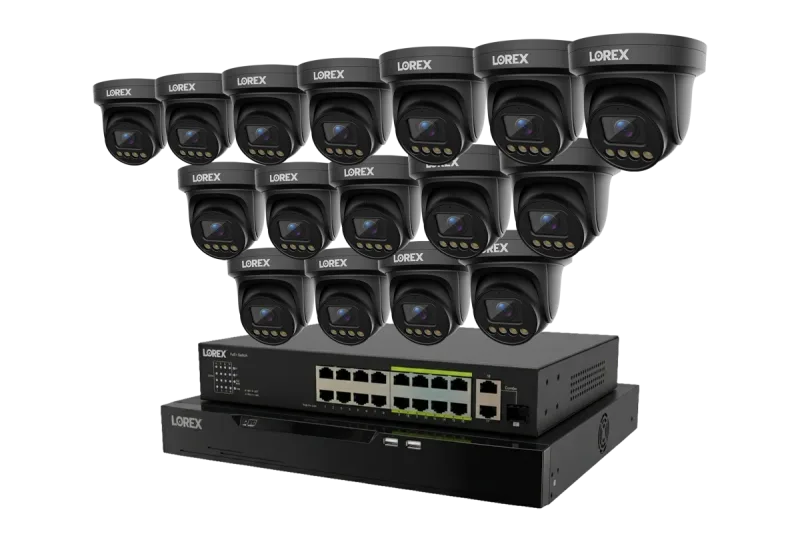
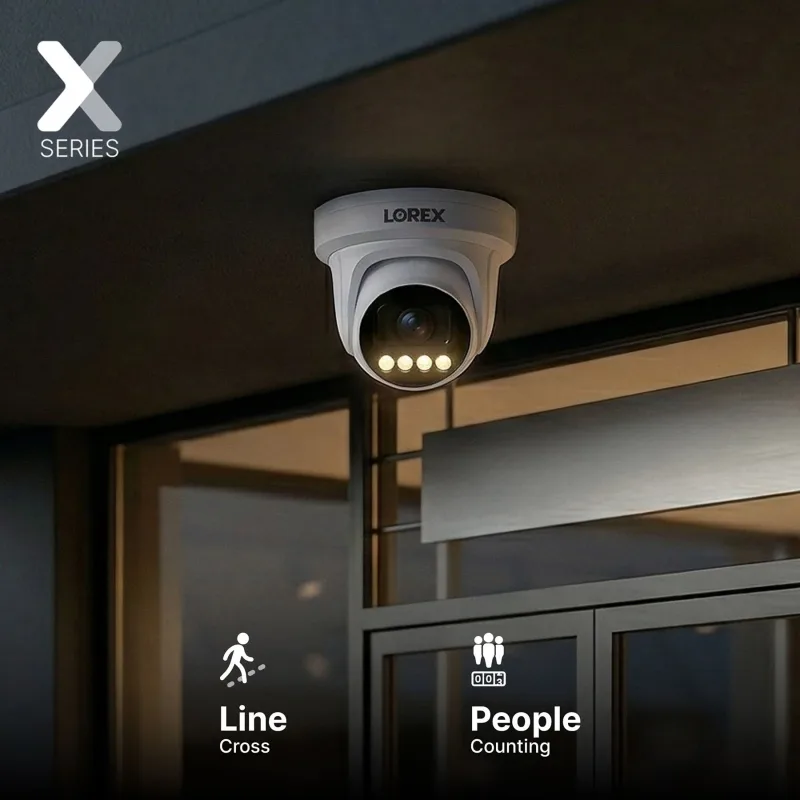
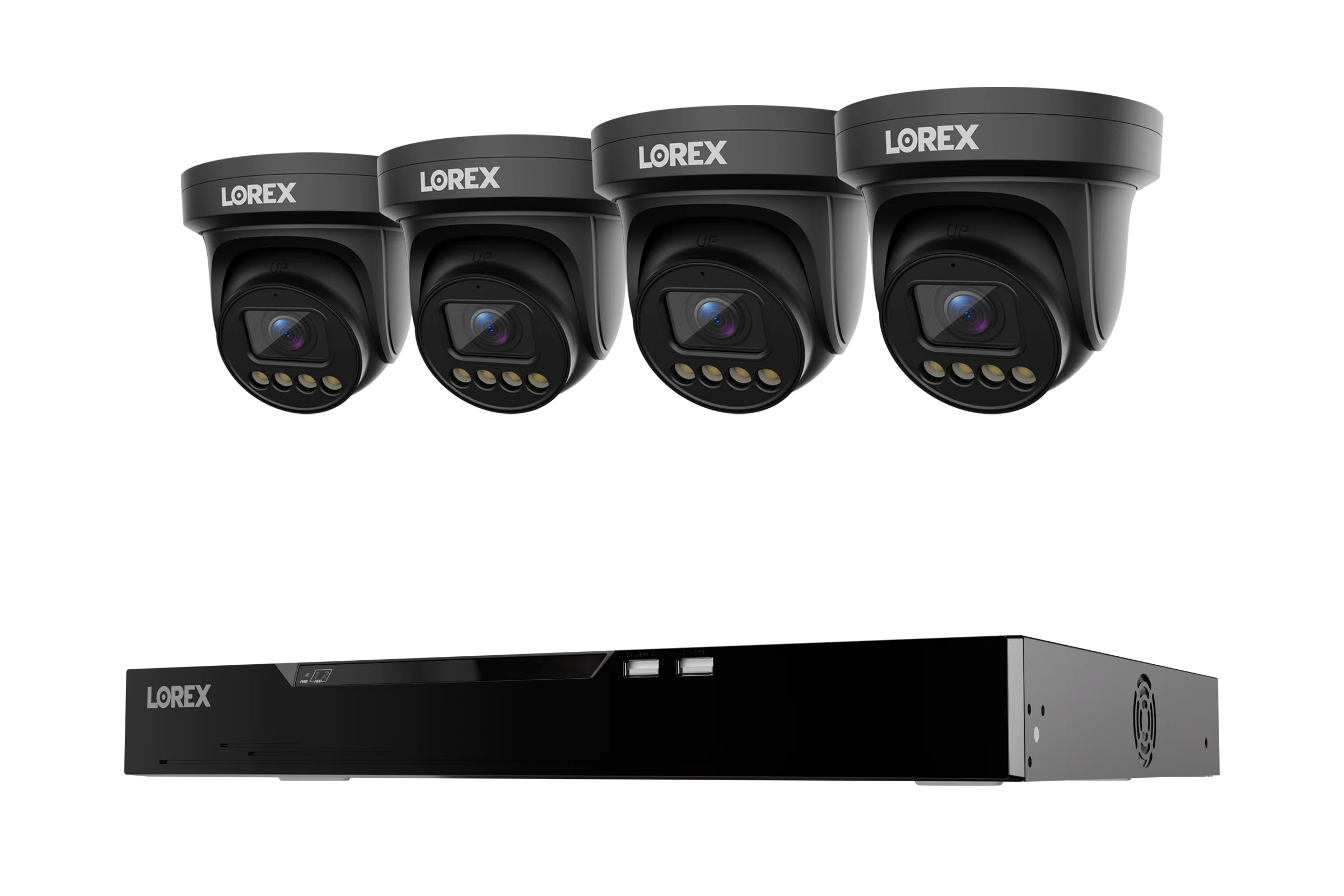
Camera shape matters too. Turret cameras resist glare and dust buildup better than domes, while bullet cameras project a visible deterrent and reach further down a fence line. A turret bundle such as the Lorex Connect X Series 4K 32-Channel Wired NVR System with X3 Turret Security Cameras - 8TB suits wide, even coverage around a large home.
Lorex Wi-Fi Camera Options
Wi-Fi cameras trade the cable for convenience. They plug into a standard outlet or run on battery, connect to your network, and typically record to a microSD card, a local hub, or an optional cloud plan. Setup takes minutes, and you can move a camera to a new spot without re-running cable.
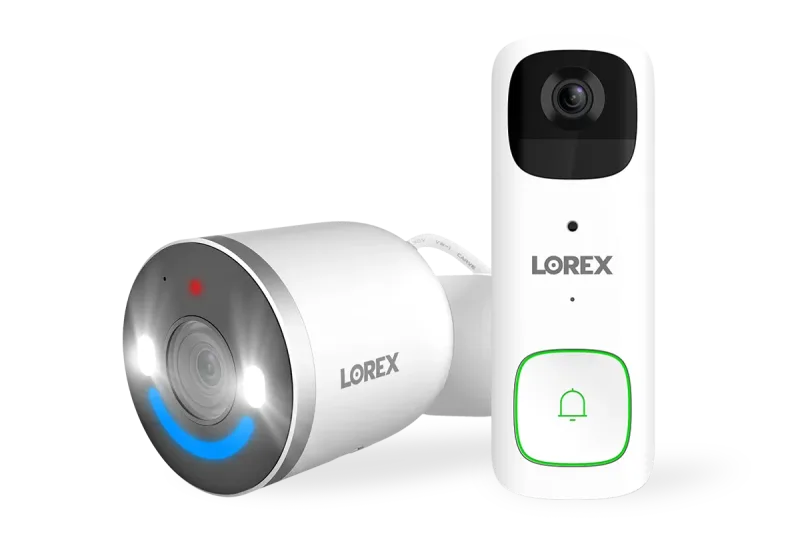
Popular configurations include indoor pan-tilt models that follow motion across a room, lightbulb cameras that screw into an existing socket, and floodlight cameras that combine illumination with recording. Battery-powered models shine at entry points where wiring is impractical. A combination like the Lorex 2K Battery Video Doorbell and 4K Spotlight Indoor/Outdoor Wi-Fi 6 Security Camera covers the front door and a yard or hallway from a single app, without drilling for Ethernet.
The trade-offs are real, though. Wi-Fi cameras depend on a strong signal, they consume bandwidth, and battery models need periodic charging. If you want continuous 24/7 recording on many cameras, a wired NVR is usually the more dependable choice.
Must-Have Accessories
Accessories are what turn a good system into a reliable one. Consider these additions:
- Hard drives: extra surveillance-grade storage extends retention when you add cameras.
- microSD cards: local backup for Wi-Fi cameras that record independently.
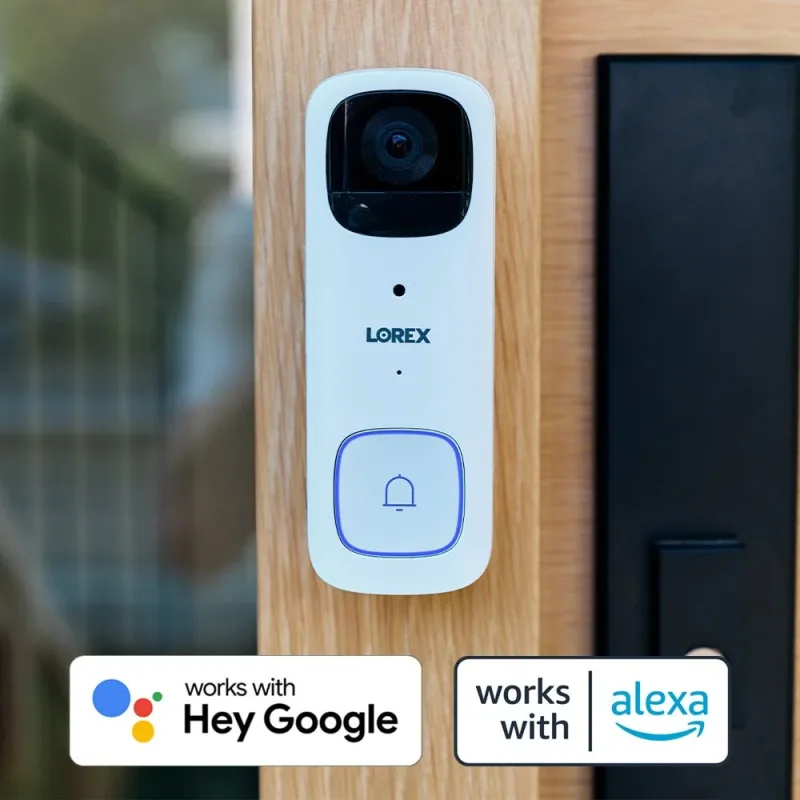
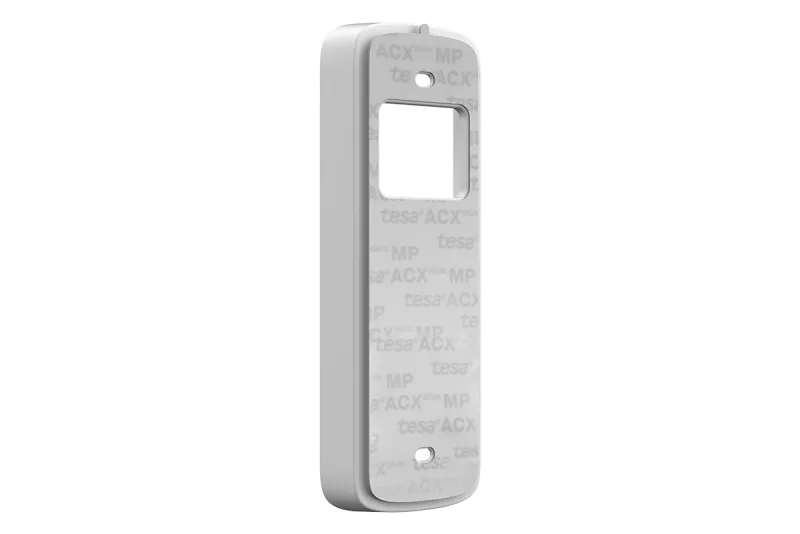
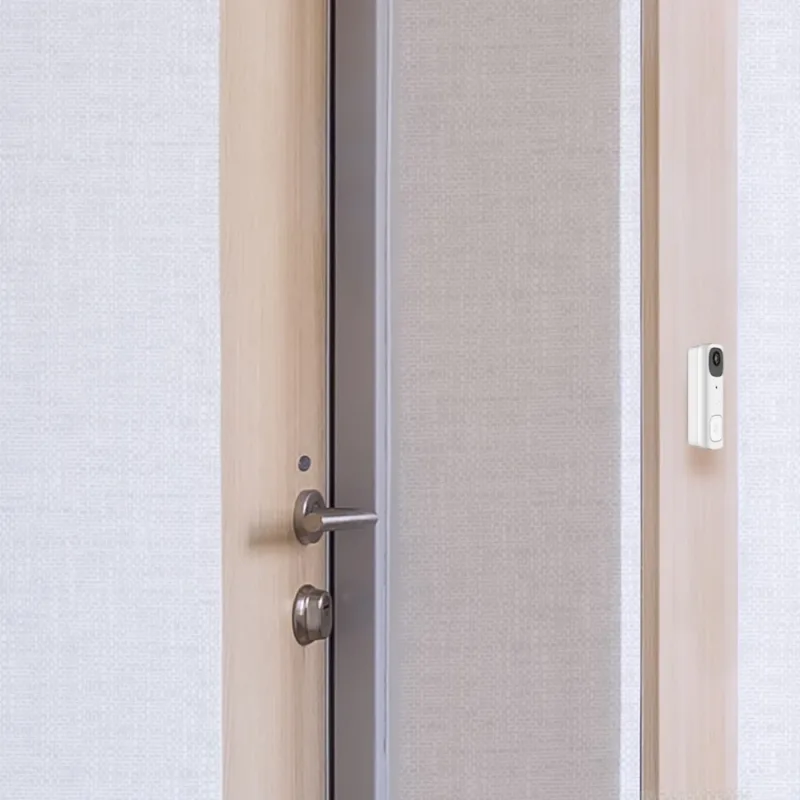
- Mounts and brackets: a No Drill Mount Bracket for Lorex 2K Battery Doorbell (B463 Series) lets renters install a doorbell without damaging siding or brick.
- Junction boxes: protect cable connections outdoors and give cameras a clean mounting surface.
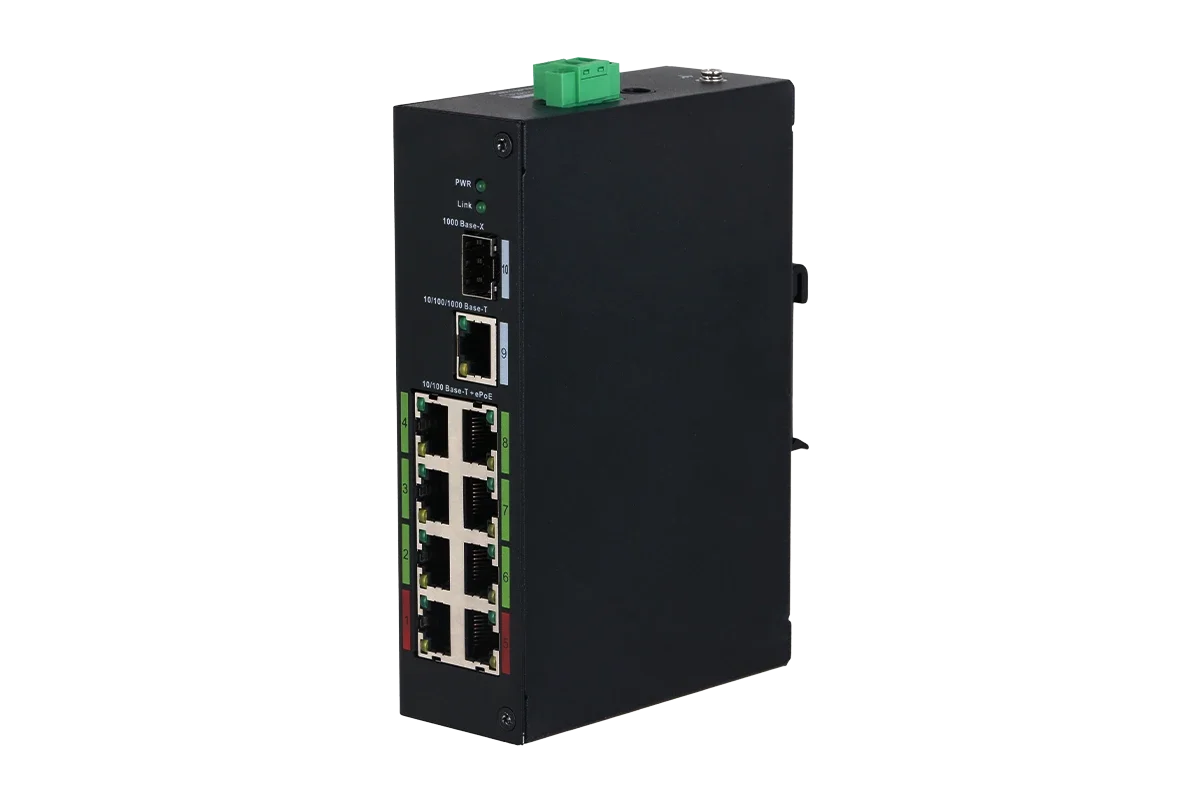
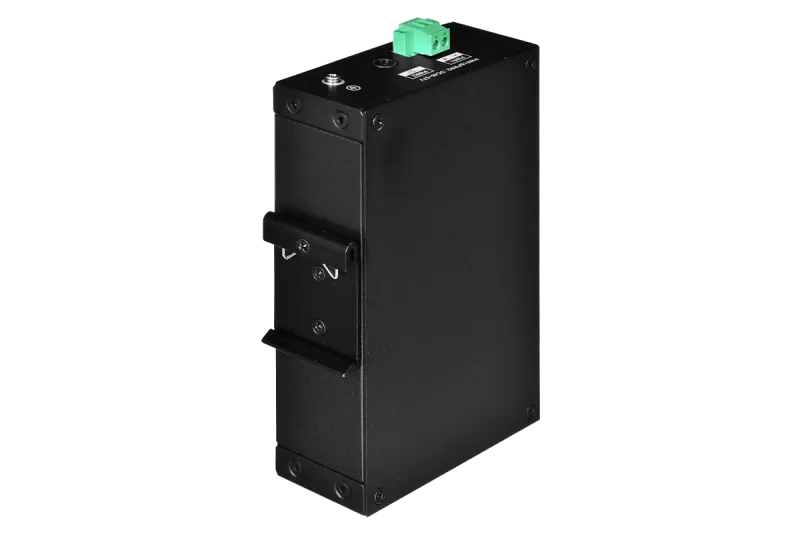
- Cables and switches: bulk Cat6 and a Lorex 8-Port ePoE Switch simplify long runs and let you extend reach beyond standard Ethernet limits.
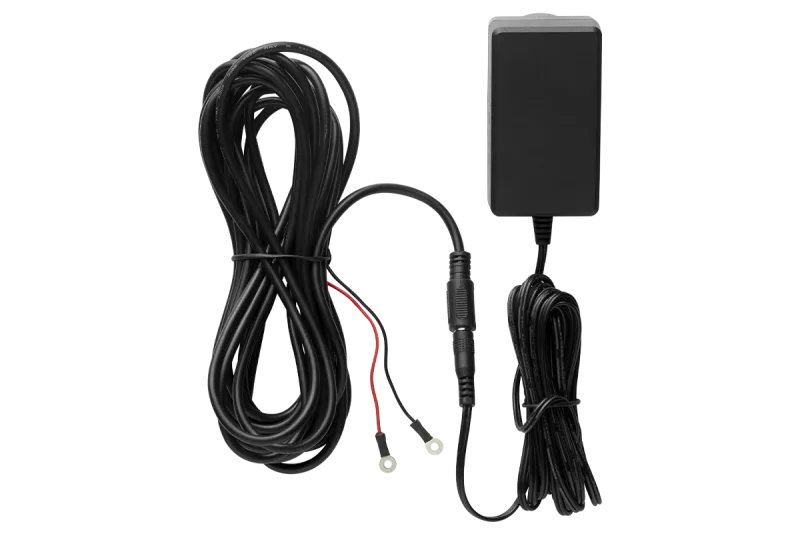
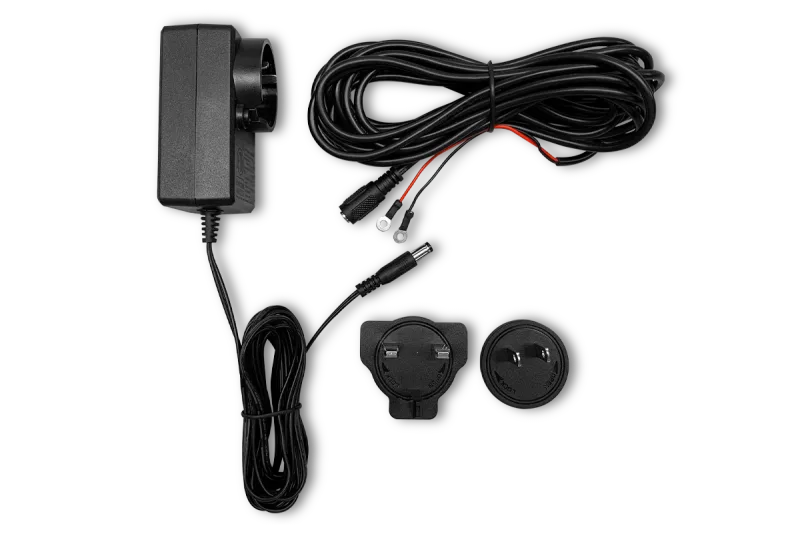
- Power adapters: a Doorbell Power Adapter keeps a wired doorbell running without relying on battery swaps.
Quick Decision Guide
Ask three questions. First, how many angles do you need covered? Count entry doors, driveways, side gates, and any outbuilding. Second, can you run cable to those spots? If yes, a wired NVR gives you the most consistent recording and the widest camera selection. If no, a Fusion NVR or a pure Wi-Fi setup keeps installation simple. Third, how long do you want to keep footage? Match the drive size to your camera count and desired retention — more cameras and higher resolution both consume storage faster.
From there, pick cameras that match the location: bullets for long approaches, turrets for broad even coverage, pan-tilt and doorbells for entries, and floodlights for dark corners. Add the mounts, cabling, and storage you need now, and leave a few channels free for later. A little planning today means a system that still fits your home years from now.