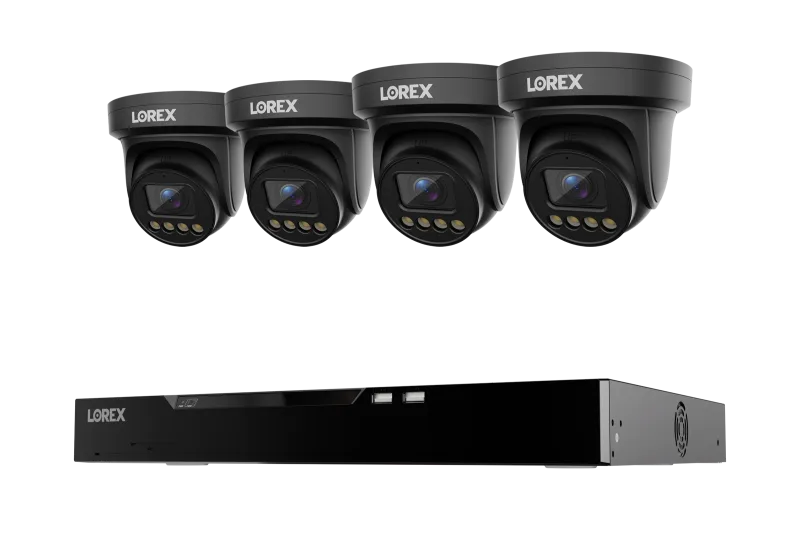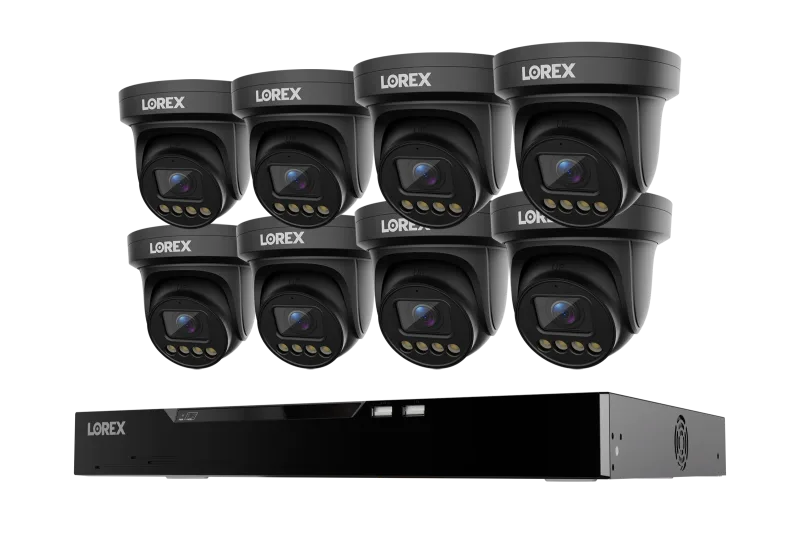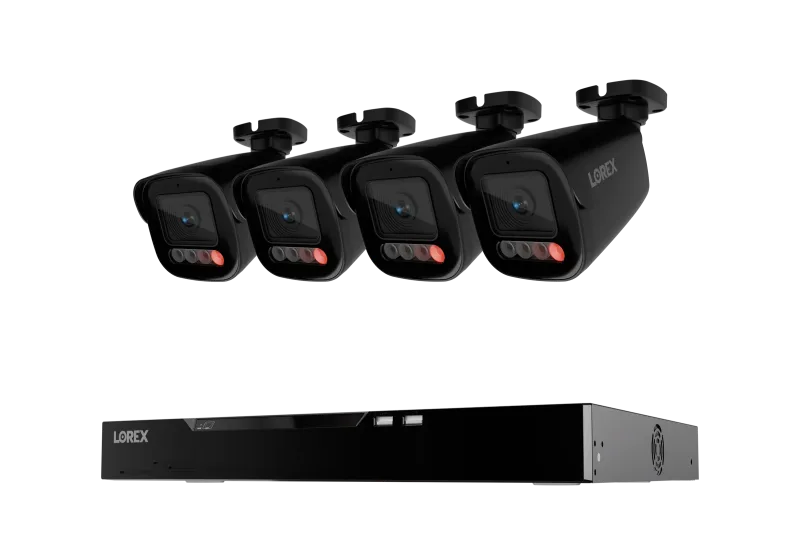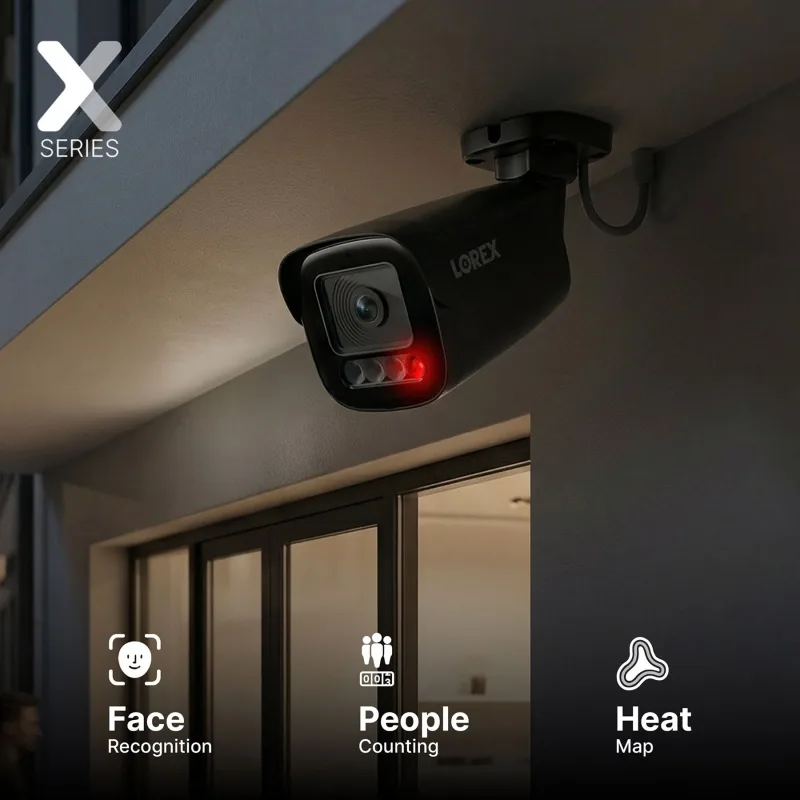
What a Security NVR Does and Why Channel Count Matters
A network video recorder (NVR) is the brain of an IP camera setup. Each camera streams video over your network to the recorder, which writes the footage to a hard drive and makes it available for live viewing and playback on your phone, tablet, or monitor. Because the recorder handles the recording, your cameras stay small and your footage stays in one place.
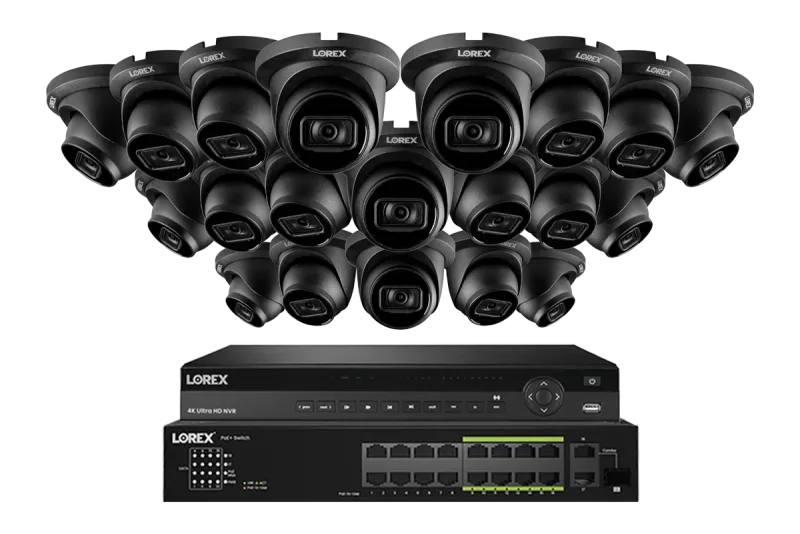
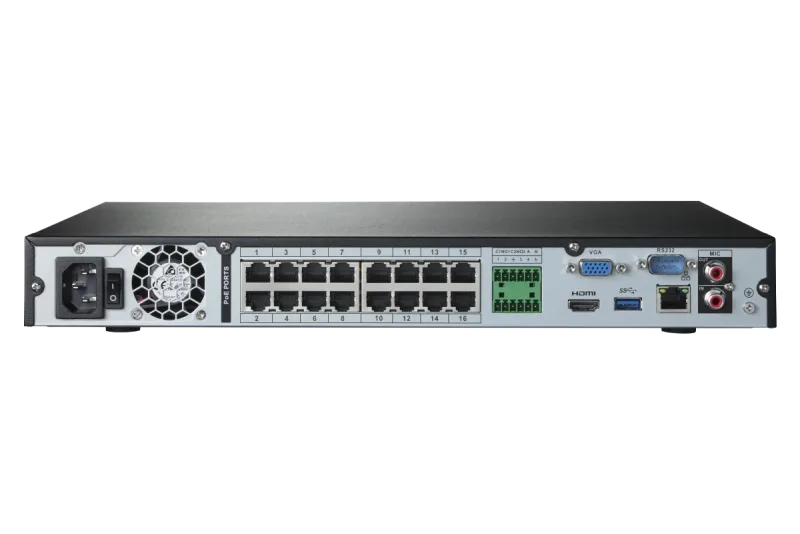
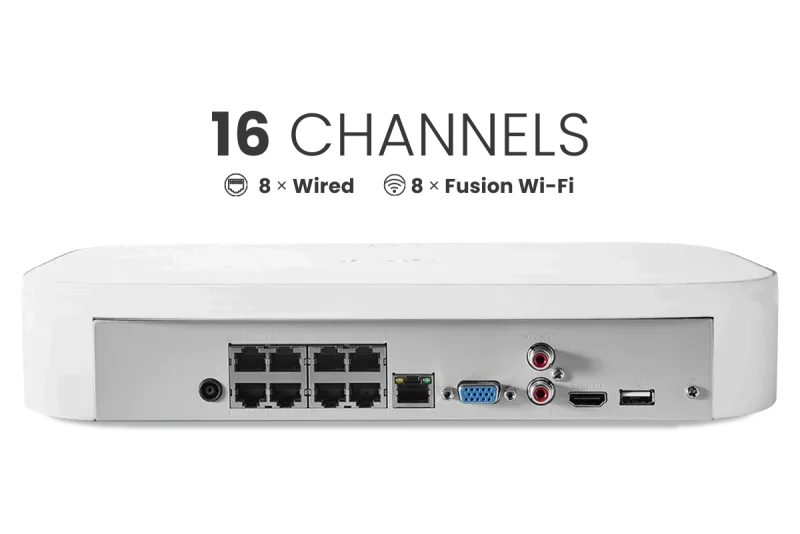
The number of channels tells you how many cameras the system can manage. An 8-channel NVR handles up to eight cameras, which suits a house with a front door, driveway, backyard, and a few interior spots. A 16 camera capable NVR gives you room to grow, and 32-channel units are built for larger properties or small businesses that want coverage on every side of a building plus entry points.
Choosing the right channel count up front saves money later. Adding cameras to an existing system is far cheaper than replacing a recorder that has run out of ports.
Wired NVR Systems: PoE Turret, Bullet, and Dome Cameras
Most Lorex NVR systems use Power over Ethernet (PoE). A single Cat6 cable carries both power and data from the recorder to each camera, so you do not need an electrician to run separate power lines. That makes installation cleaner and more reliable than Wi-Fi in most cases.
Camera shape matters as much as the recorder:
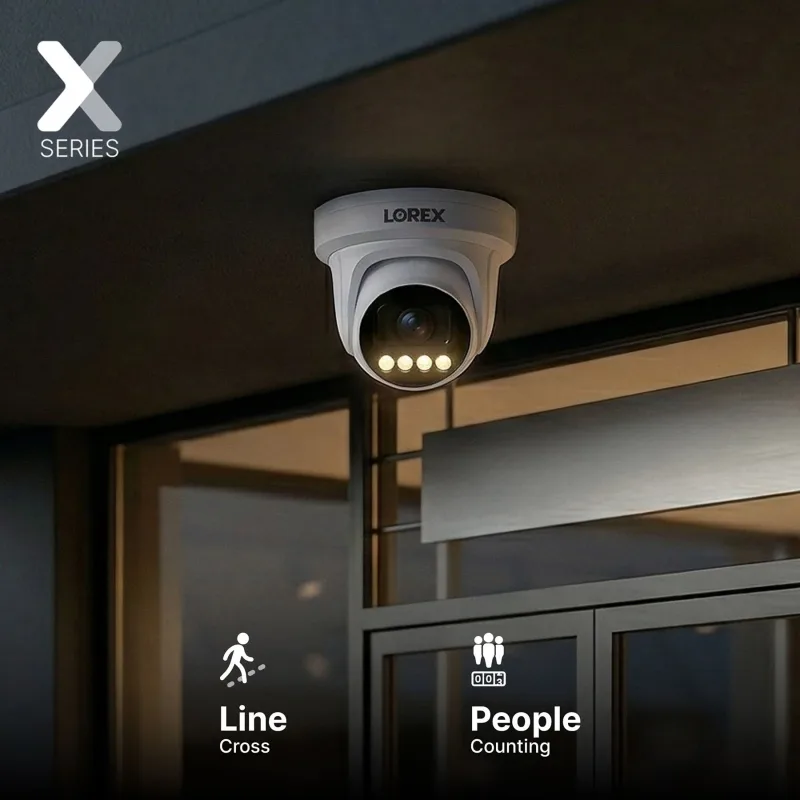
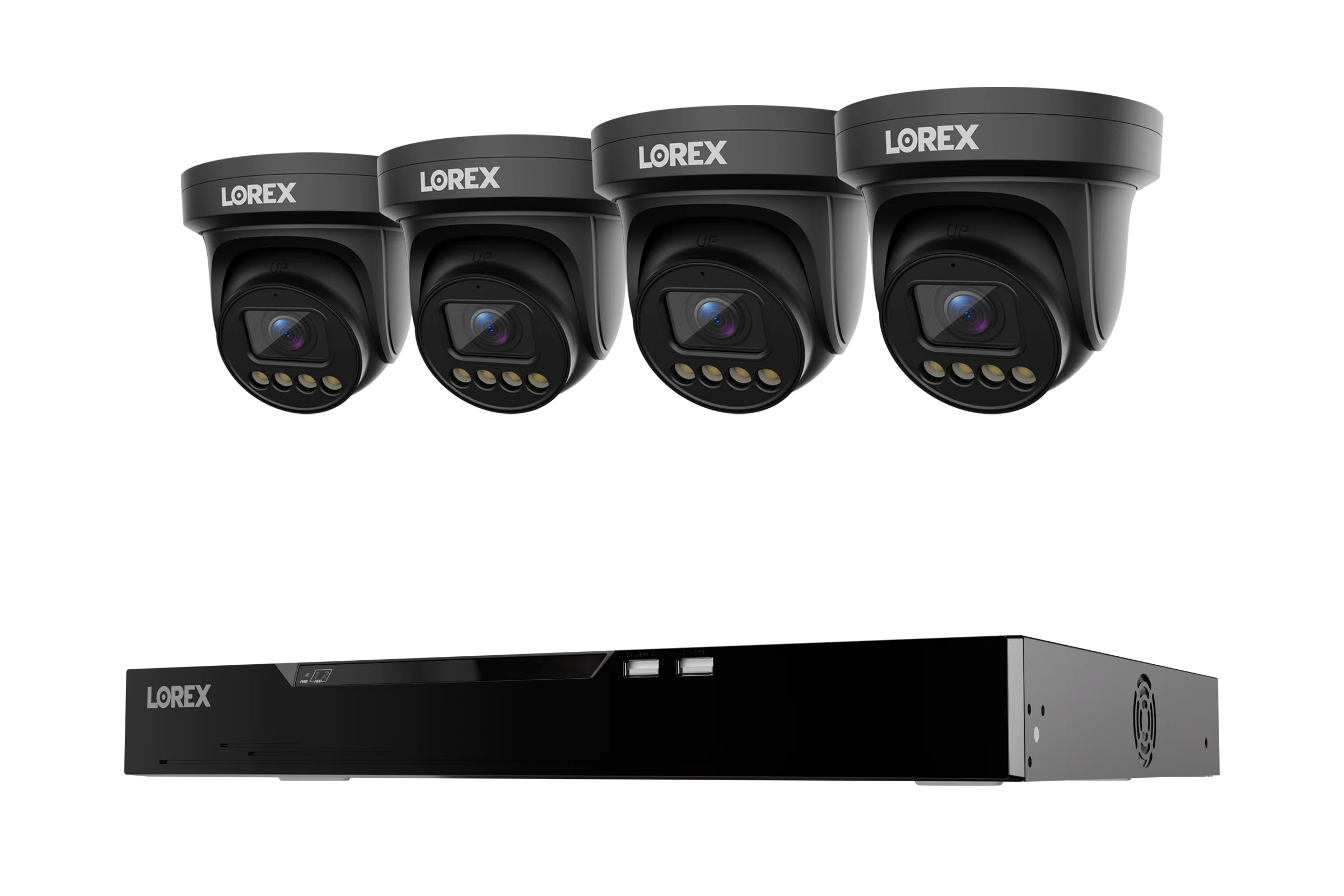
- Turret cameras have a ball-and-socket design that reduces glare and infrared bounce at night. They are a popular choice for driveways and backyards.
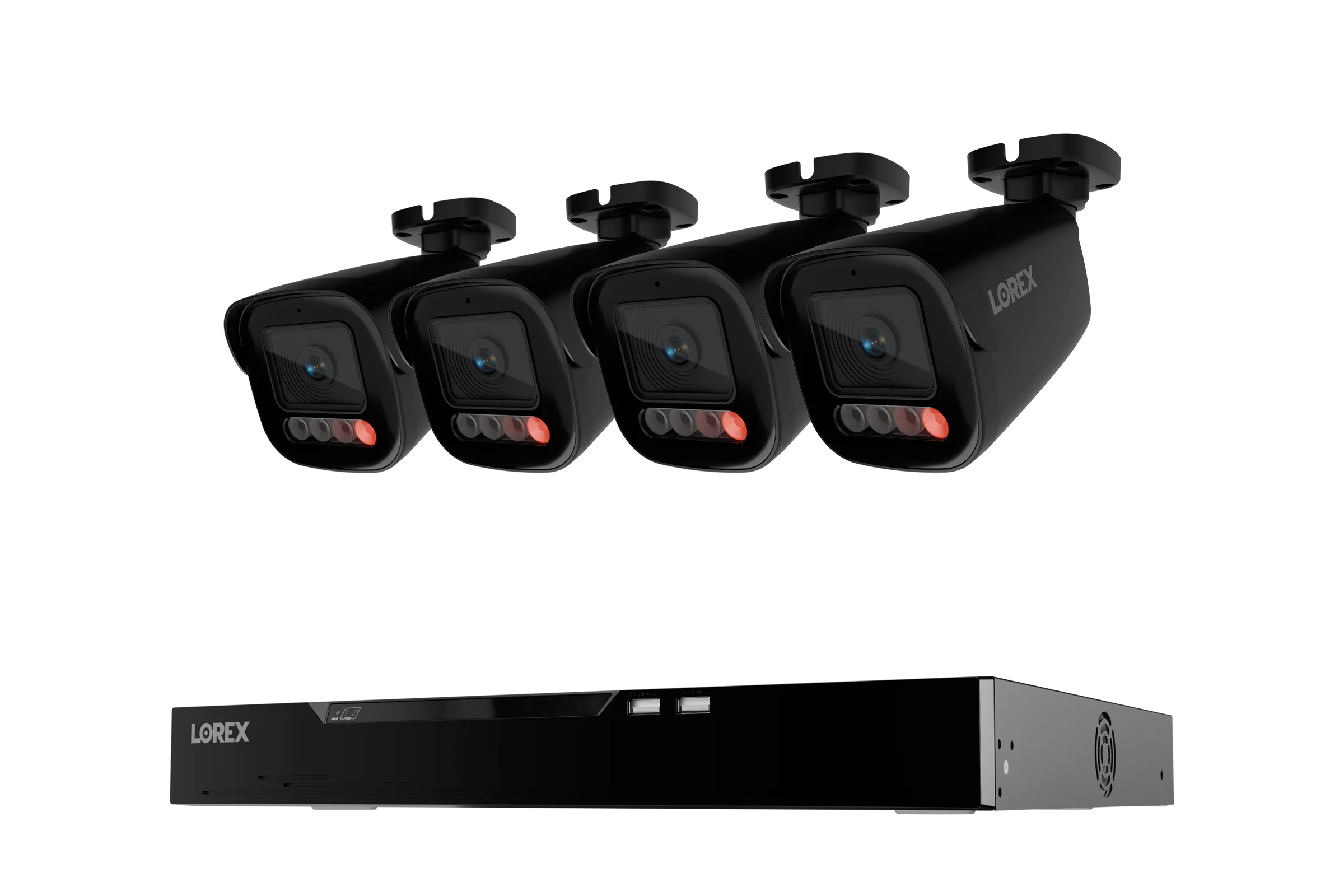
- Bullet cameras have a longer, narrower body that throws infrared further, which helps on long driveways or across a parking area.
- Dome cameras sit flush against a ceiling or wall and are less obvious, making them a good fit for entryways and covered porches.
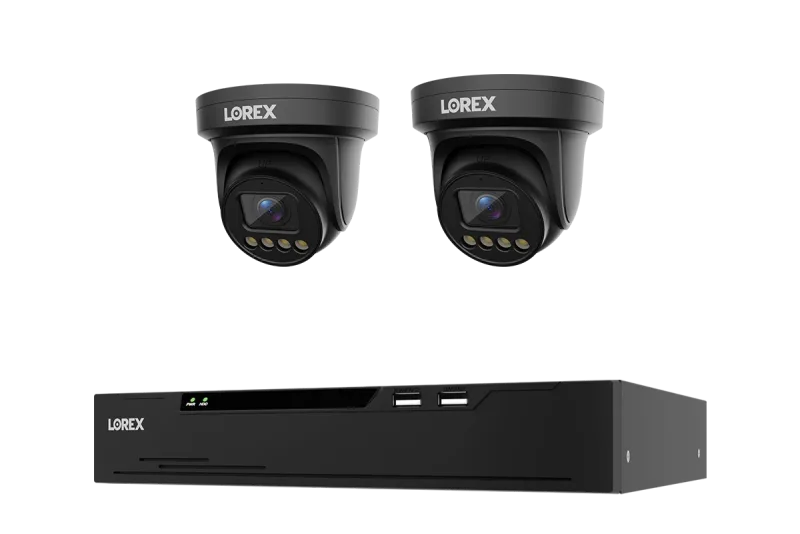
A complete kit takes the guesswork out of matching parts. For example, the Lorex Connect X Series 4K 16-Channel Wired NVR System with X3 Turret Security Cameras - 4TB pairs a 16-channel recorder with turret cameras and a 4TB drive, while the Lorex Connect X Series 4K 16-Channel Wired NVR System with X5 Bullet Security Cameras - 4TB uses bullet cameras for longer sight lines. If you are starting smaller, the Lorex Connect X Series 4K 8-Channel Wired NVR System with X3 Turret Security Cameras - 2TB covers the essentials with room for a few more cameras down the road.
Some models add useful extras. The Lorex 4K (32 Camera Capable) 6TB Wired NVR System with Nocturnal 3 Smart IP Turret Cameras Featuring Listen-In Audio and 30FPS Recording includes audio capture and smooth 30 frames per second recording, which helps when you need to identify a face or a license plate.
Fusion Wi-Fi vs Wired: How the Fusion Series Combines Both
Wired cameras are dependable, but running cable to every corner of a property is not always practical. The Lorex Fusion Series solves that by letting one NVR accept both wired PoE cameras and Fusion Wi-Fi cameras. You get the stability of a wired connection where it is easy to install, and the flexibility of wireless where it is not.
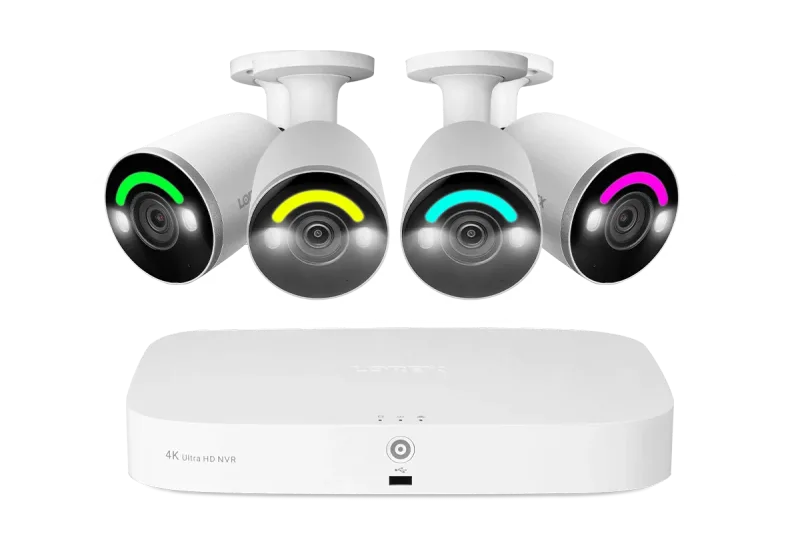
A good example is the Lorex Fusion 4K 16 Camera Capable (8 Wired + 8 Fusion Wi-Fi) 2TB Wired NVR System with IP Bullet Cameras Featuring Smart Security Lighting, which supports eight wired and eight Wi-Fi cameras on a single recorder. That mix is ideal for a detached garage, a shed, or a rental unit where trenching a cable is not an option.
When comparing wired and Fusion Wi-Fi, think about three things: distance, bandwidth, and interference. Wired PoE handles long runs without signal loss and never competes with your home Wi-Fi. Fusion Wi-Fi cameras need a strong signal at the mounting point, but they install in minutes and can be moved later. If your property has both easy and difficult camera locations, a hybrid system usually gives the best coverage per dollar.
Storage Basics: Surveillance-Grade Hard Drives and microSD Cards
Your recorder is only as good as its storage. Surveillance-grade hard drives are built to run continuously, writing and overwriting footage 24 hours a day. Desktop drives are not designed for that duty cycle, which is why NVR kits ship with drives rated for the job.
Capacity determines how far back you can look. A 2TB drive is a reasonable starting point for a handful of cameras, while 4TB, 6TB, and 8TB drives extend your retention window or support more cameras at higher resolution. Keep in mind that 4K video uses more space than 1080p, so a larger drive pays off if you plan to record continuously rather than only on motion.
Some standalone cameras, including battery-powered models, record to a microSD card instead of an NVR. That is handy for a doorbell or a single camera at a gate, but it means footage lives on the camera. If you want one place to review everything, an NVR is still the simpler option.
Mounting and Accessories: Junction Boxes, Brackets, and Cables
The parts you barely notice often decide whether an installation looks clean. A junction box gives you a weatherproof housing for cable connections behind a camera, protecting the connectors from rain and sun. Corner mount brackets angle a camera along a wall where a flat mount would only see straight ahead.
Cable planning matters too. Bulk Cat6 lets you cut runs to exact length instead of coiling up excess cable in an attic. If you need more PoE ports than your recorder provides, a separate switch extends the network without replacing the NVR.
For doorbells and Wi-Fi cameras, small accessories make a difference. A no-drill mount bracket lets you install a battery doorbell on a doorframe or siding without putting holes in it, and a power adapter keeps a wired doorbell running where existing chime wiring is not available.
Finally, think about the order of operations: pick the recorder and channel count first, choose camera types for each location second, then add storage and mounting hardware. That sequence keeps your system coherent and makes future expansion a matter of plugging in one more camera rather than rebuilding the whole setup.