Build a Reliable Lorex NVR System for Your Home
A Lorex NVR system gives you a single place to record, review, and manage every camera around your property. The trick is choosing the right recorder, pairing it with compatible cameras, and adding the storage and mounting parts that keep everything running. This guide walks through the key decisions so you can plan a setup that fits your home and your budget.
Choosing the Right Lorex NVR System
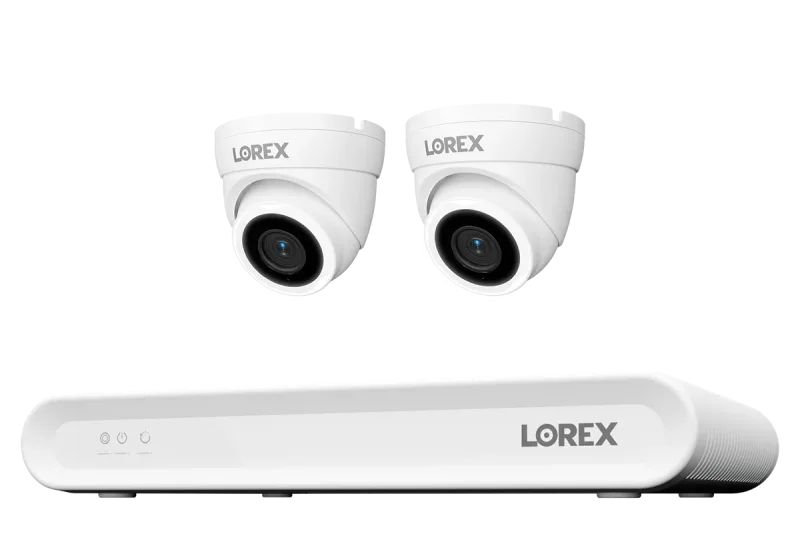
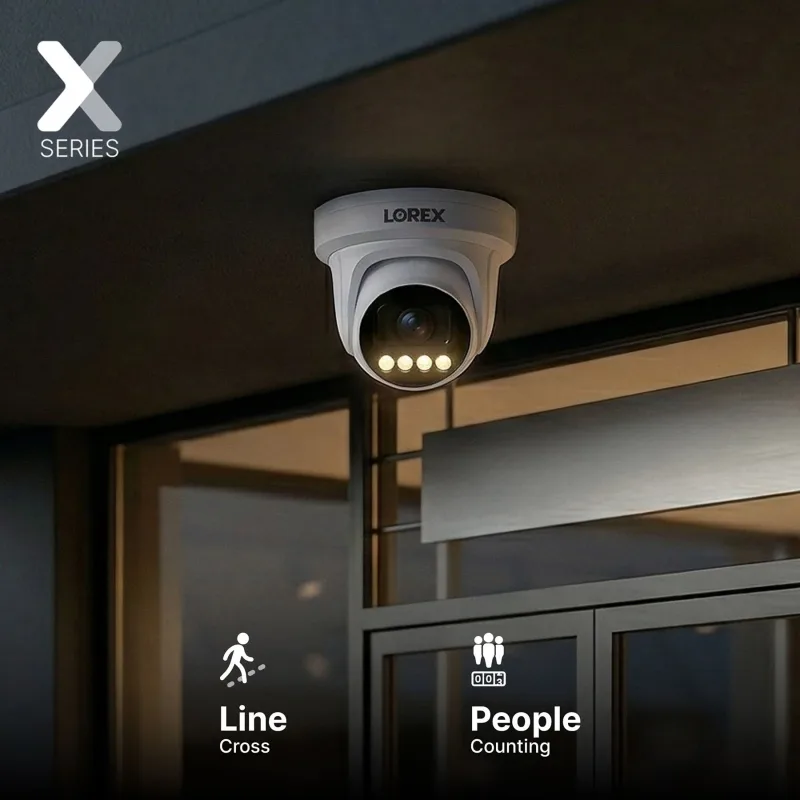
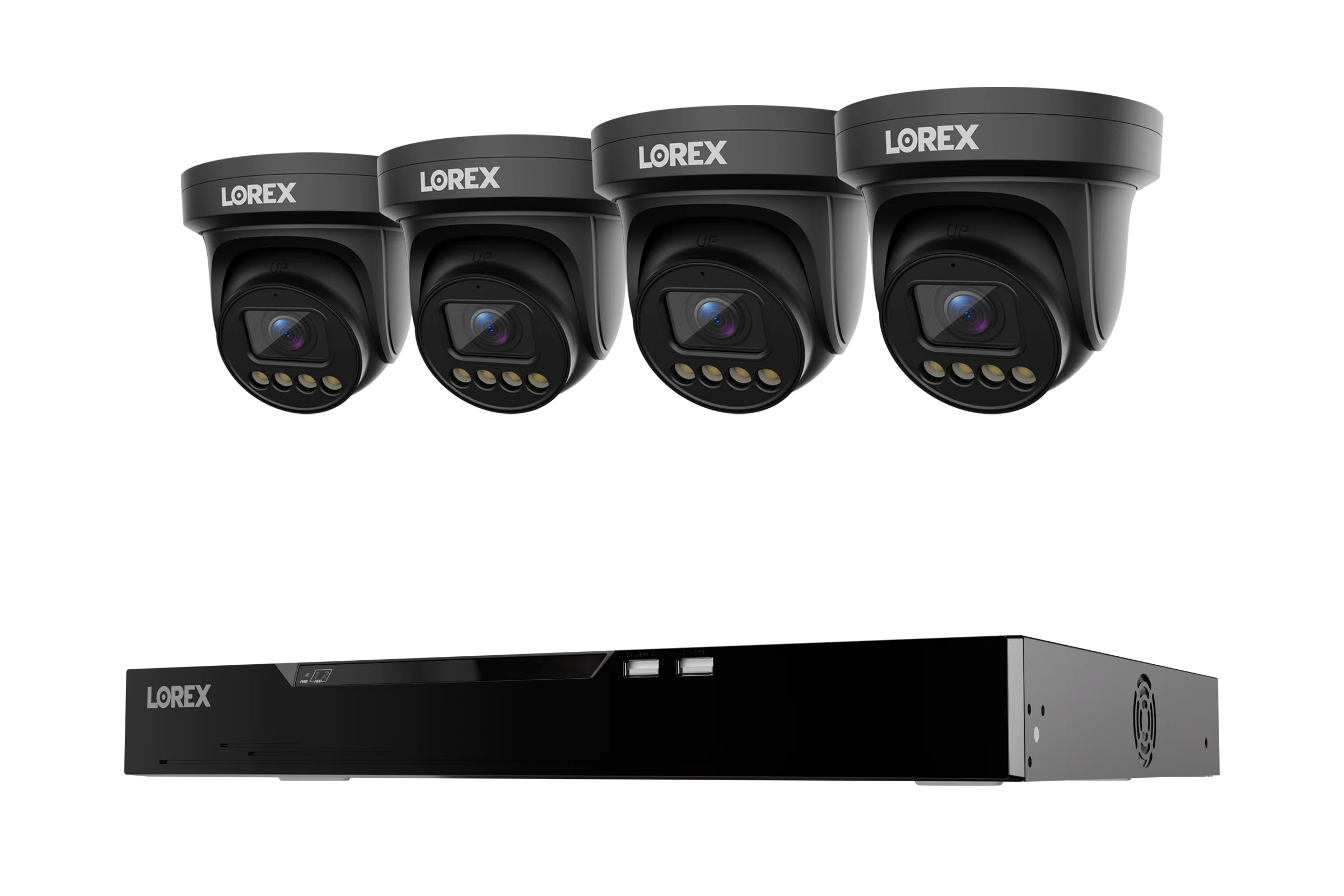
Start with channel count and recording resolution. An 8-channel NVR is plenty for a typical house, while 16- or 32-channel units suit larger properties or businesses that want room to expand. If you prefer a pure wired install, a PoE NVR sends both power and data over a single Ethernet cable, which simplifies cabling. A solid starting point is the Lorex Connect V Series 4K 8-Channel Wired NVR System with V3 4K PoE Turret Cameras - 1TB, which bundles the recorder and cameras in one box.
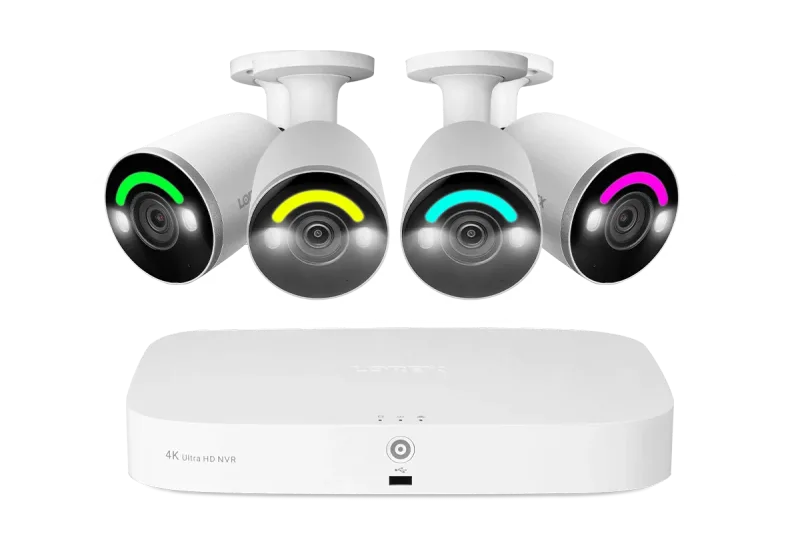
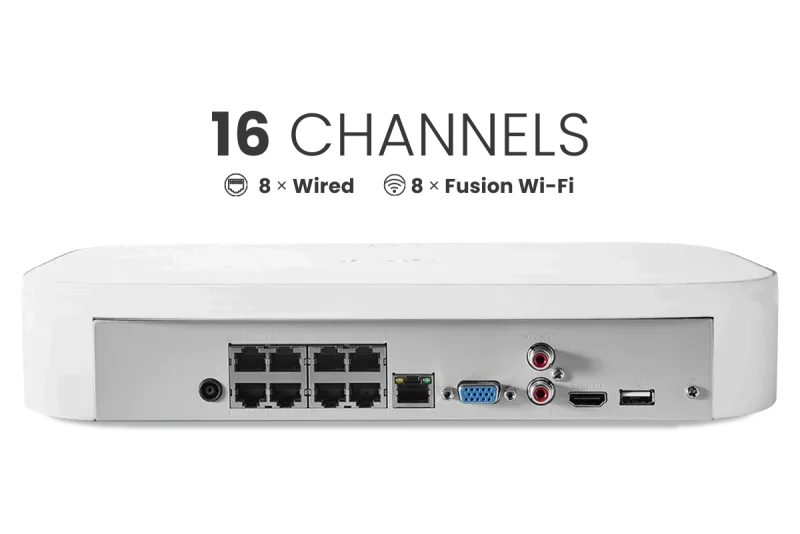
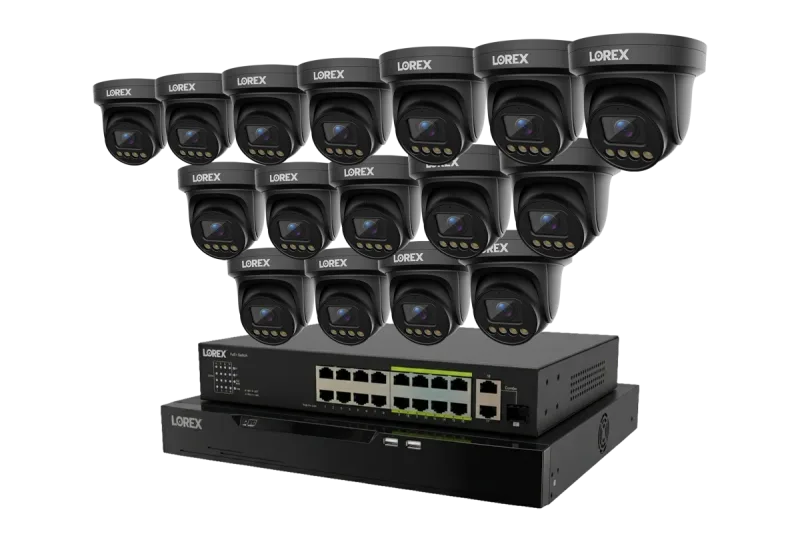
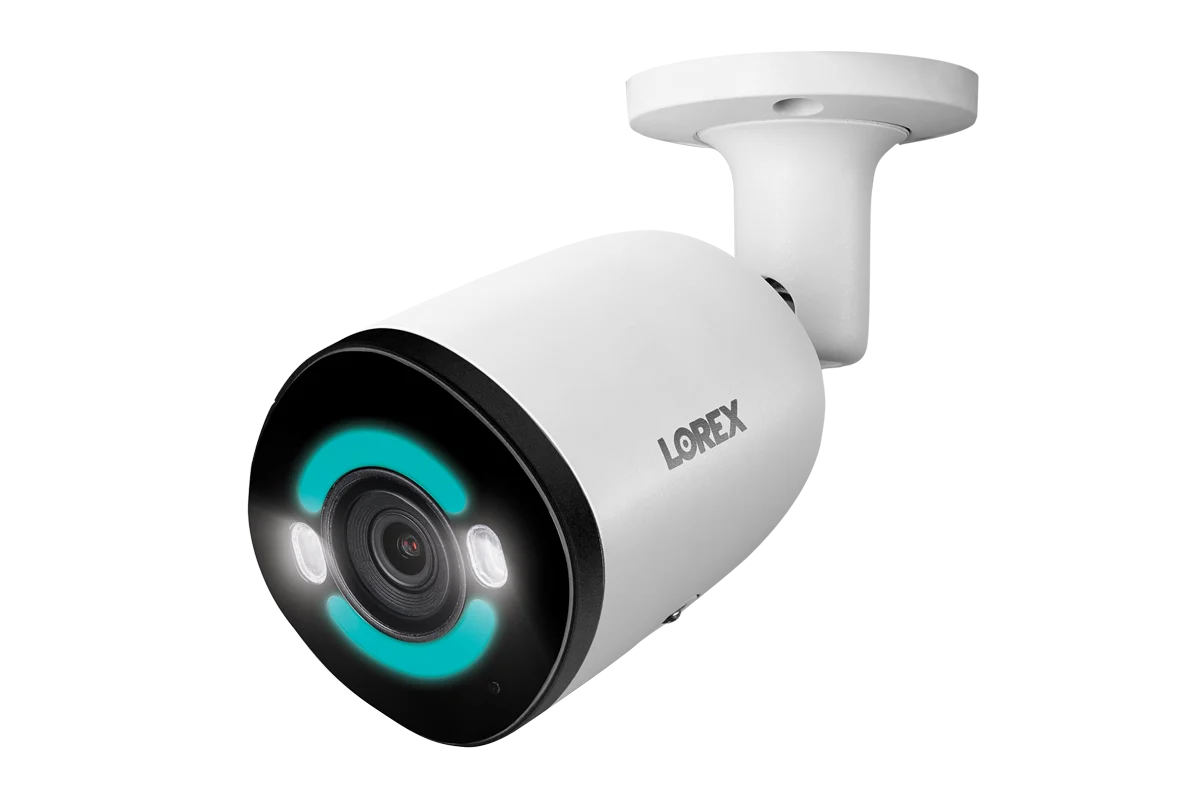
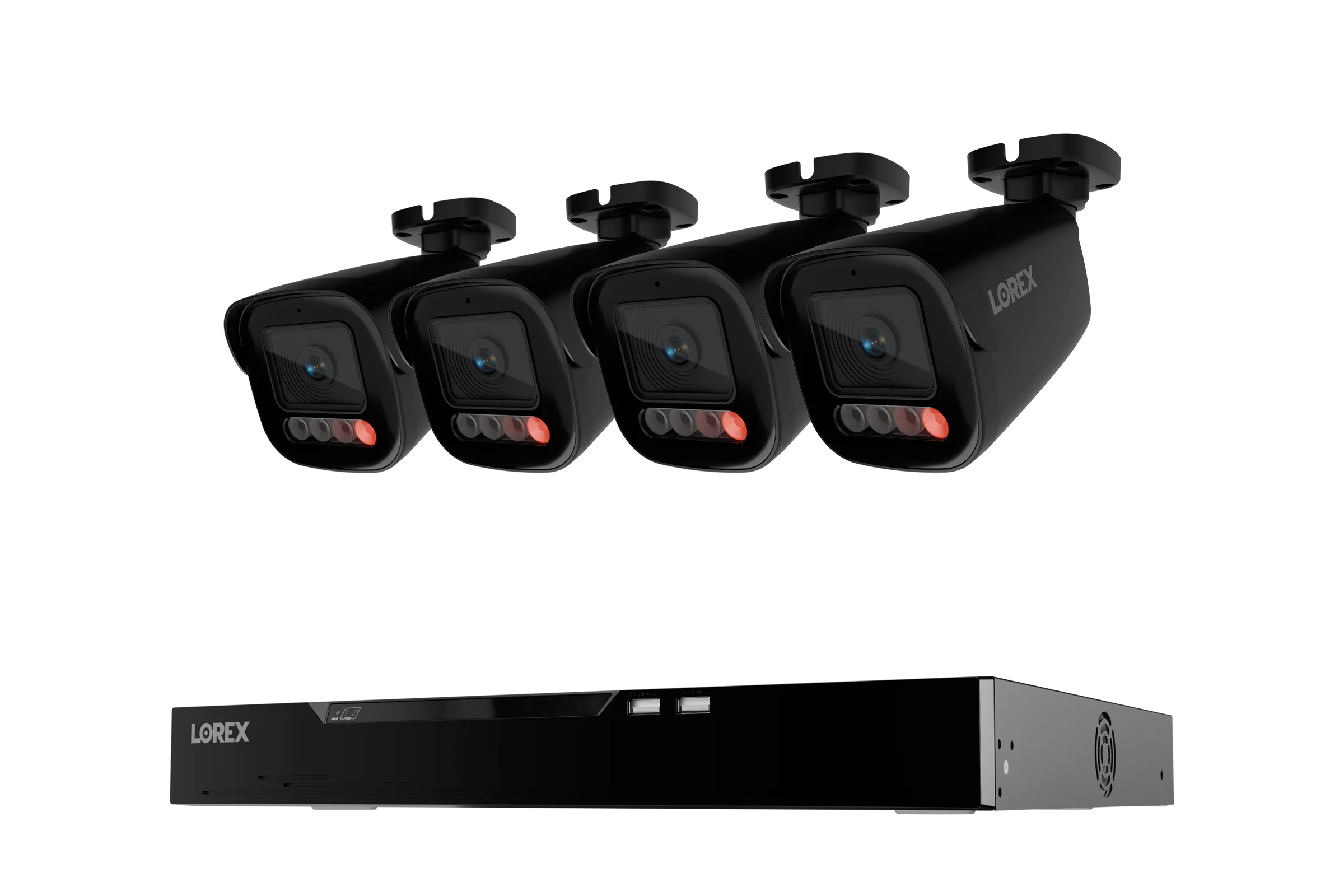
For homes where running cable to every corner is impractical, a Fusion NVR blends wired and Wi-Fi channels on the same recorder. The Lorex Fusion 4K 16 Camera Capable (8 Wired + 8 Fusion Wi-Fi) 2TB Wired NVR System with IP Bullet Cameras Featuring Smart Security Lighting is a good example: it covers fixed locations with wired cameras and adds wireless flexibility where drilling isn't an option. If you want maximum headroom, the Lorex Connect X Series 4K 32-Channel Wired NVR System with X3 Turret Security Cameras - 8TB supports a large camera count and ships with substantial built-in storage.
Wired vs. Fusion Wi-Fi: Which Fits Your Property?
- Wired PoE: Best for stable, always-on recording and clean single-cable runs.
- Fusion Wi-Fi: Ideal for garages, sheds, or rentals where cabling is difficult.
- Hybrid: Mix both on one NVR to cover every angle without compromise.
Cameras That Pair With Your NVR
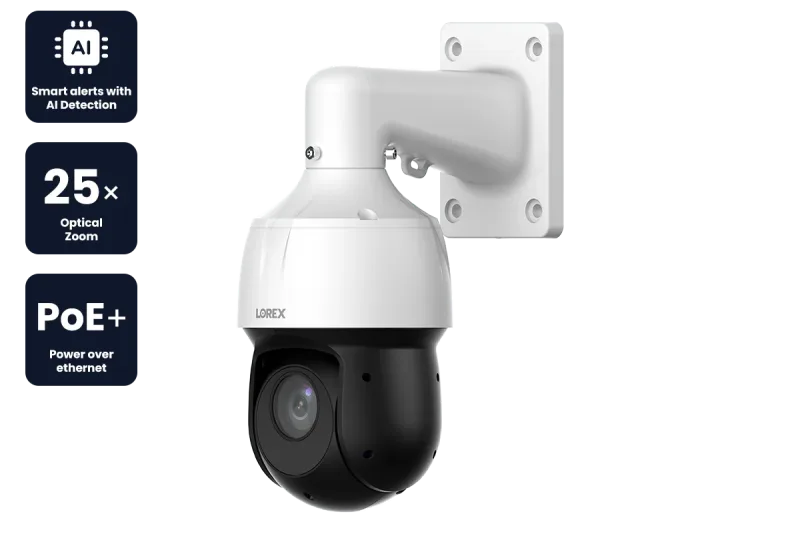
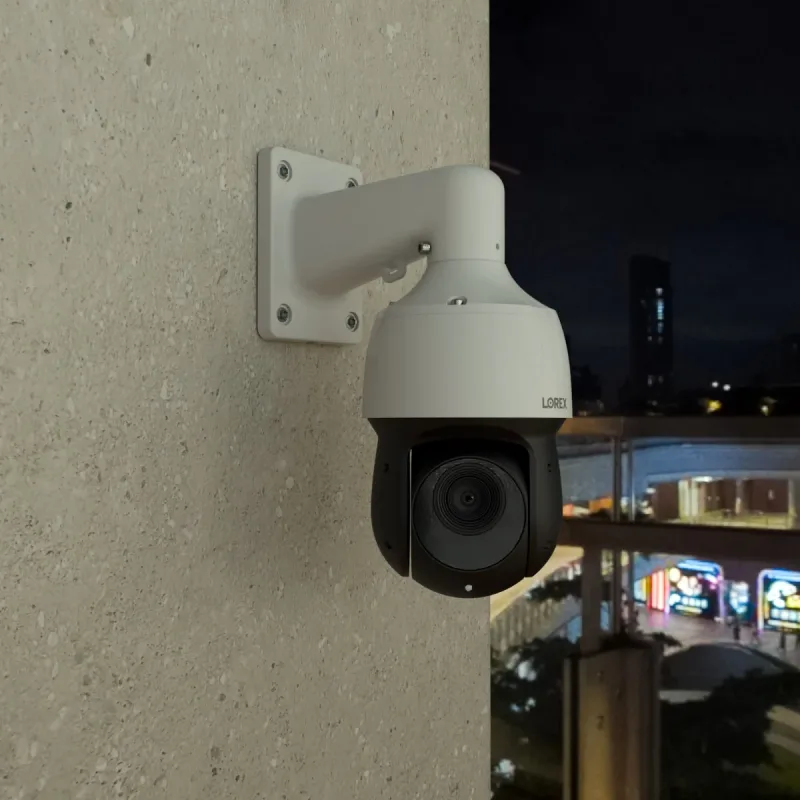
Most Lorex NVRs work with IP cameras in turret, bullet, dome, and PTZ form factors. Turret cameras offer a wide field of view with less glare, bullet cameras excel at long-distance coverage, and PTZ models let you pan, tilt, and zoom from your phone. For active monitoring of a driveway or gate, the Lorex 2K (4MP) IP Wired PTZ Security Camera with AI Detection and 25x Optical Zoom adds real-time tracking and person/vehicle detection.
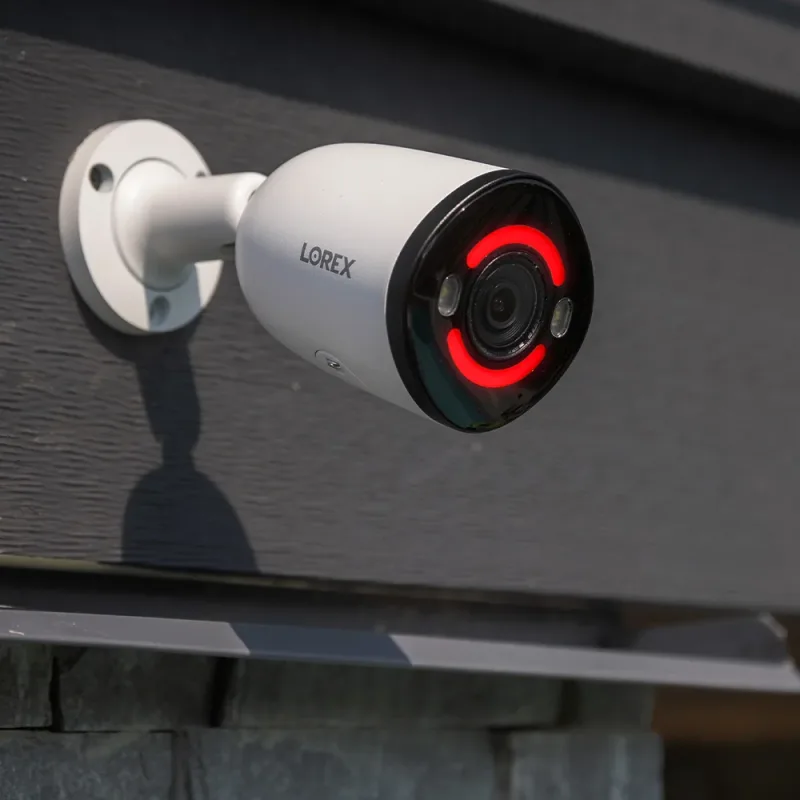
When you need a single camera with strong deterrence, the Lorex 4K+ 12MP IP Wired Bullet Security Camera with Smart Security Lighting (Open Box) combines high resolution with built-in lighting. Match camera resolution to your NVR's maximum supported output so you get the most from every channel.
Storage Essentials: Hard Drives and microSD Cards
Continuous recording fills drives quickly. Surveillance-grade hard drives are built to handle 24/7 writes and the vibration of multi-drive enclosures, which is why they outlast standard desktop drives. Estimate your needs by multiplying camera count, resolution, and frame rate, then add a buffer. A 2TB drive suits a small system; 4TB and 8TB drives are better for 4K cameras or longer retention.
microSD cards matter for cameras with local backup or for standalone Wi-Fi models. Choose a high-endurance card rated for constant recording, and match the capacity to the camera's supported maximum. Keeping a spare drive on hand means you can swap and reformat without losing coverage.
Mounting and Wiring: Brackets, Junction Boxes, and Cables
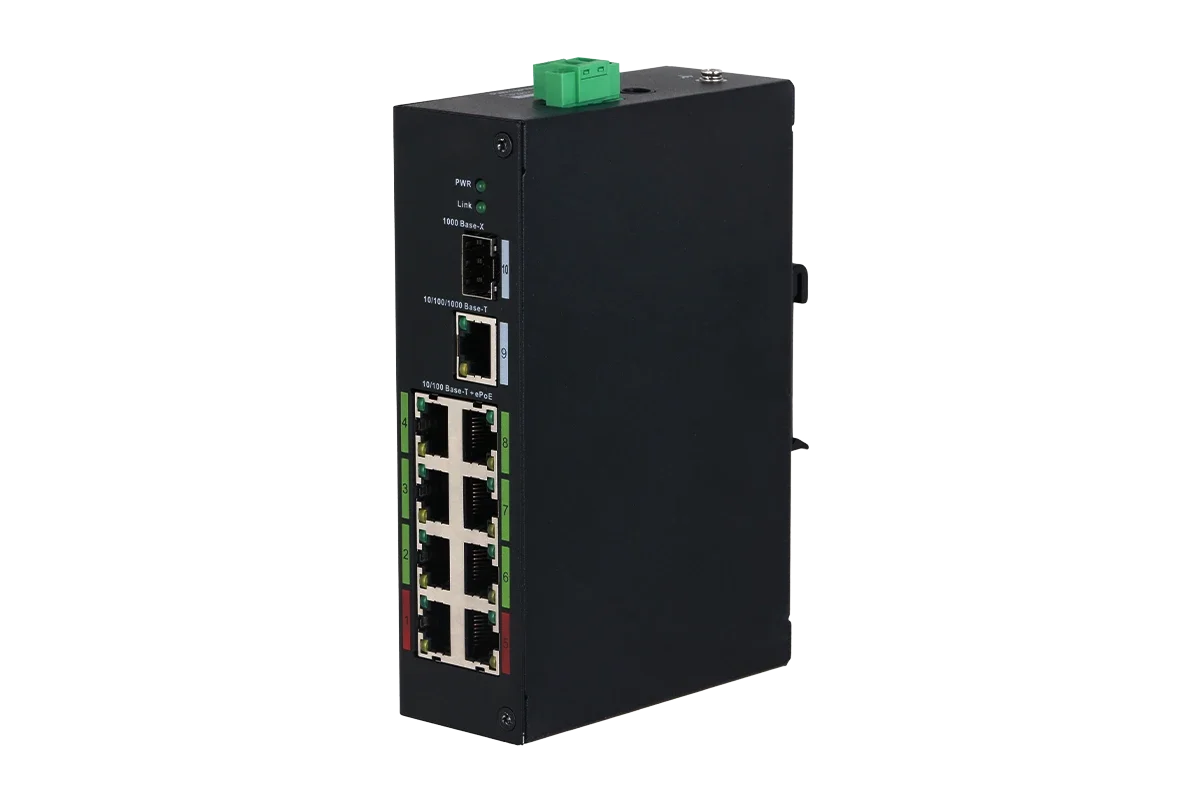
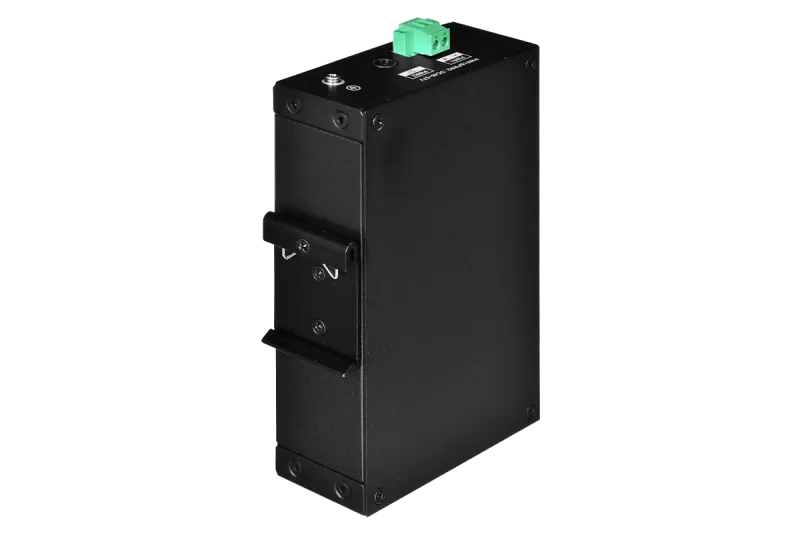
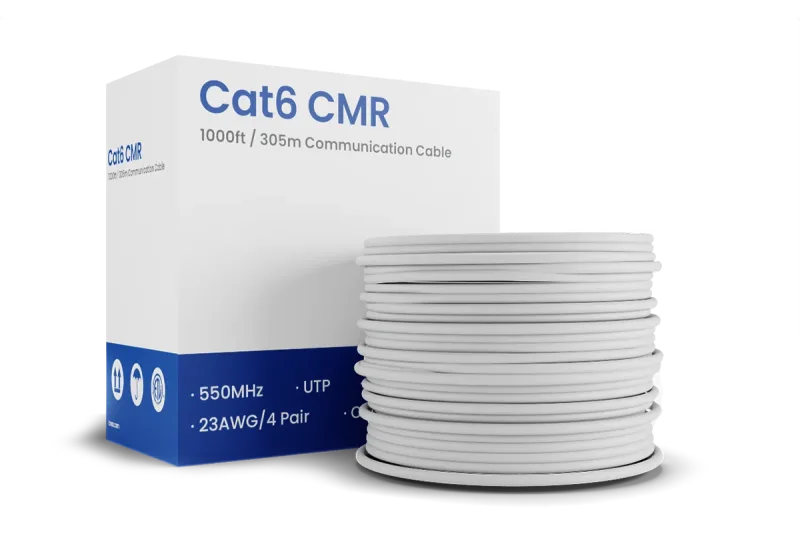
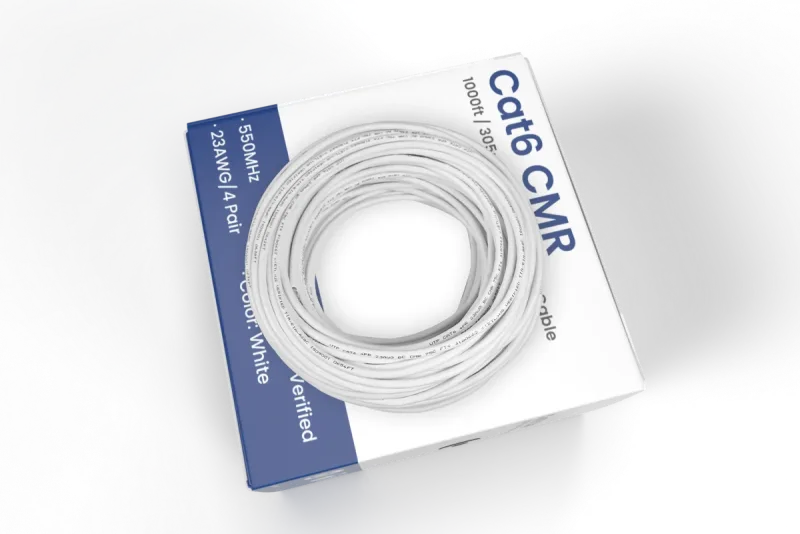
Clean installation comes down to the small parts. Junction boxes protect connections from weather and give you a tidy place to terminate cable. Mounting brackets let you angle cameras precisely, and quality Ethernet cable carries power and data without dropouts. For long PoE runs, the Lorex 8-Port ePoE Switch extends reach beyond standard cable limits, while the 1,000ft Bulk Cat6 UTP Ethernet Cable, 23AWG CMR/FT4 for IP connectivity (FREE Shipping) gives you enough length to wire a whole house.
- Plan camera positions before drilling.
- Use junction boxes at every exterior camera.
- Label both ends of each cable run.
- Test each camera before final mounting.
Smart Add-Ons: Doorbells and Wi-Fi Cameras
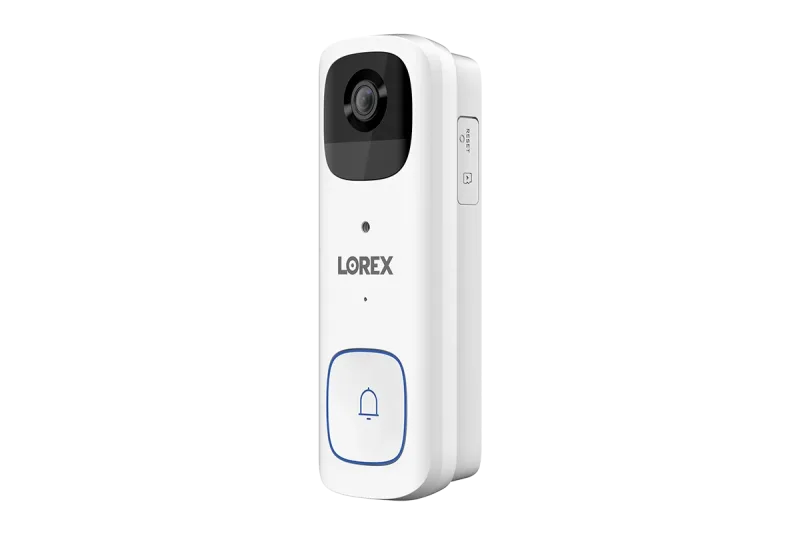
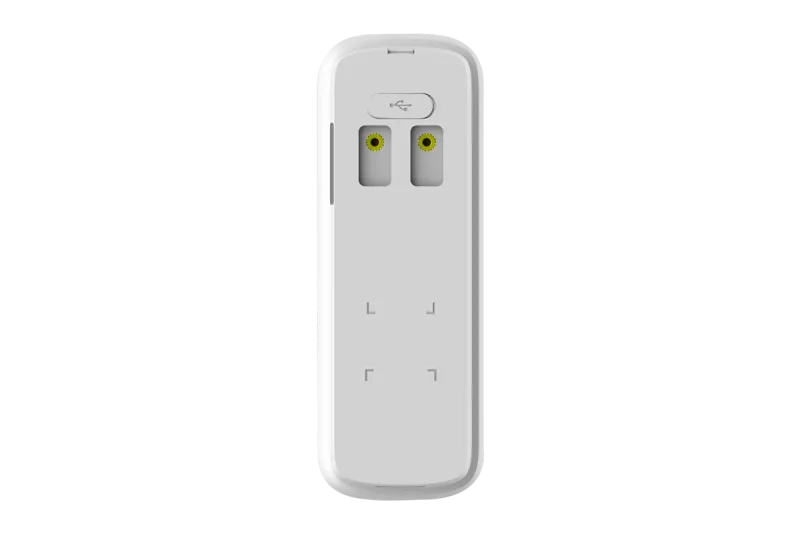
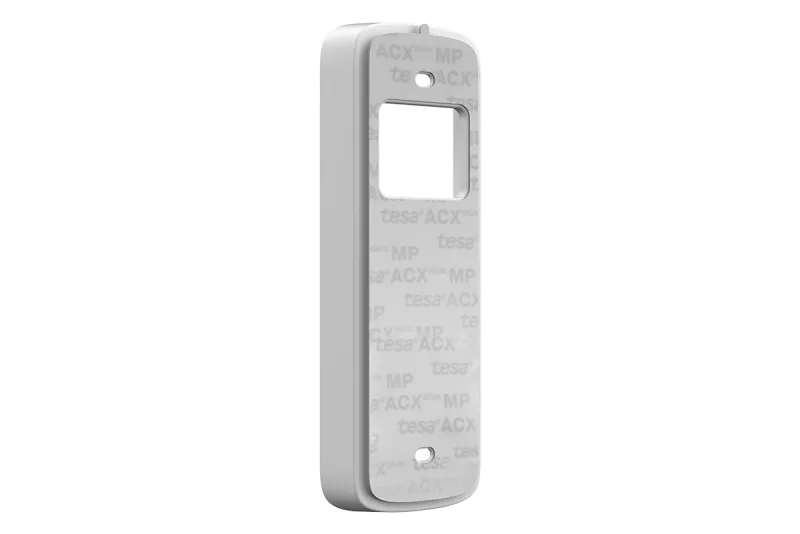
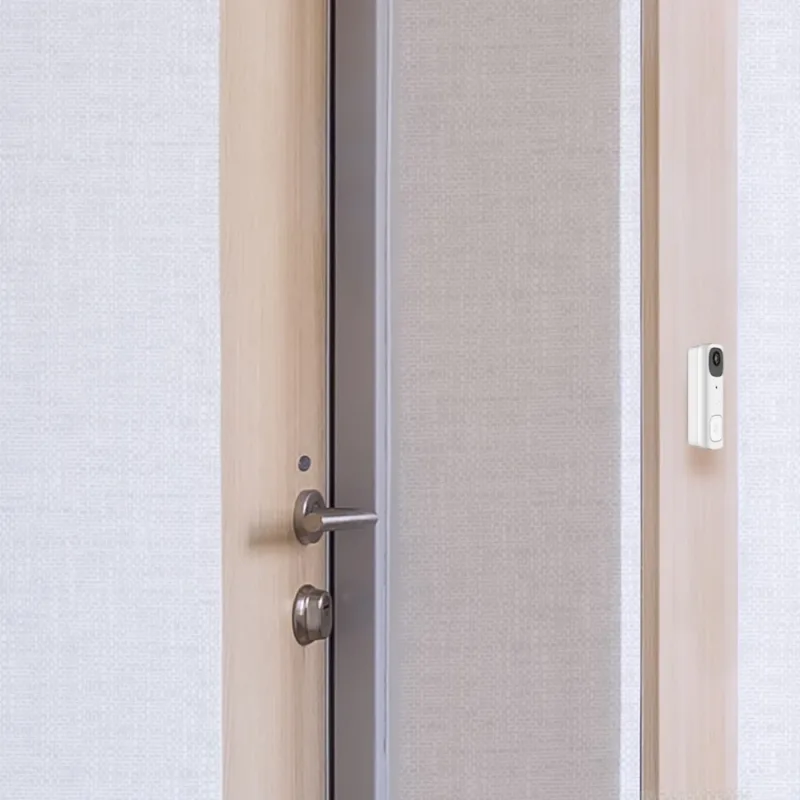
Round out your system with smart devices that share the same app. A video doorbell covers your entry and lets you speak with visitors, while battery Wi-Fi cameras handle spots where cable can't reach. The Lorex 2K Wi-Fi Video Doorbell (Battery-Operated, 32GB, Open Box) is a straightforward way to add front-door coverage, and the No Drill Mount Bracket for Lorex 2K Battery Doorbell (B463 Series) makes installation rental-friendly. Pair these with a floodlight or spotlight camera to deter activity after dark.
Final Tips for a Smooth Setup
Update firmware before you mount anything, set motion zones to cut false alerts, and confirm your retention window once recording starts. With the right NVR, compatible cameras, adequate storage, and the correct mounting hardware, your Lorex system will deliver dependable coverage for years.